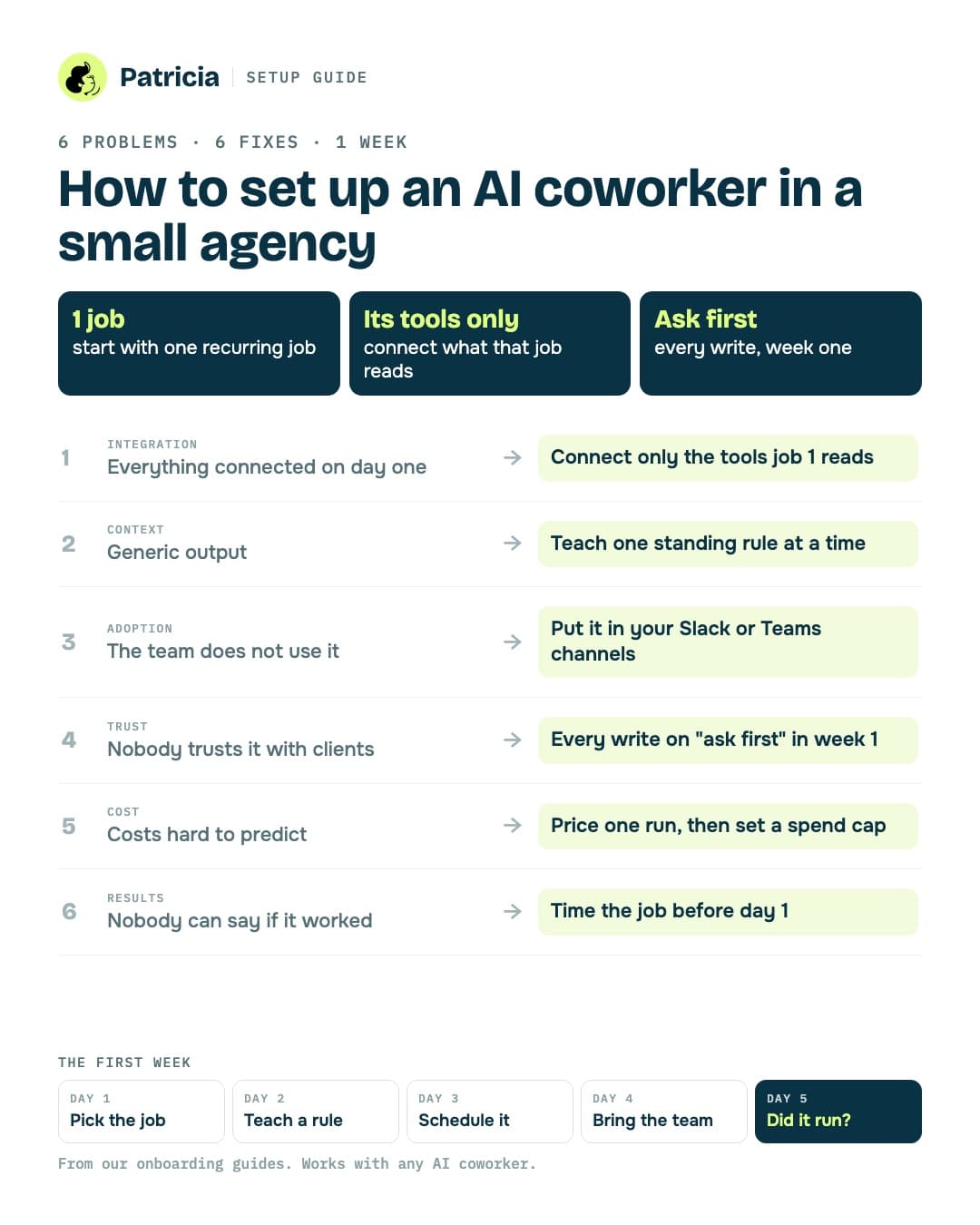
This guide covers the 6 problems small agencies hit when they first set up an AI coworker, the fix for each, and a day-by-day plan for the first week.
How to set up an AI coworker comes down to one rule: start with one recurring job, connect only the tools that job needs, and keep every write on "ask first" for the first week. Most failed setups break that rule in the first two days.
Below are the 6 problems agencies hit when they first bring an AI coworker into Slack or Teams, the fix for each, a day-by-day first-week checklist, and how our own onboarding at Patricia handles it.
Checked in October 2026What goes wrong when agencies first set up an AI coworker?
We asked ChatGPT, Gemini, Perplexity and Copilot this exact question in October 2026. They agreed on the list: tool integration, data quality, staff adoption, cost, compliance and measuring results. None of them named a product. Here is what each problem looks like inside a small agency, and what fixes it.
1. Everything gets connected on day one
The owner connects Google Ads, Meta, GA4, HubSpot, Drive, Gmail and the project tool in one sitting. Now the coworker can see everything, nobody knows what it's supposed to do, and the first output is a generic summary of nothing.
Fix: pick one first job, then connect only the tools that job reads. A weekly client report needs the ad accounts and analytics for that client. It doesn't need your invoicing tool yet.
2. The output is generic because it doesn't know your clients
This is the "data quality" problem the AI answers talk about. In a small agency it's rarely bad data. It's missing context: which client hates long reports, which KPI the CMO reads first, which account is paused on purpose.
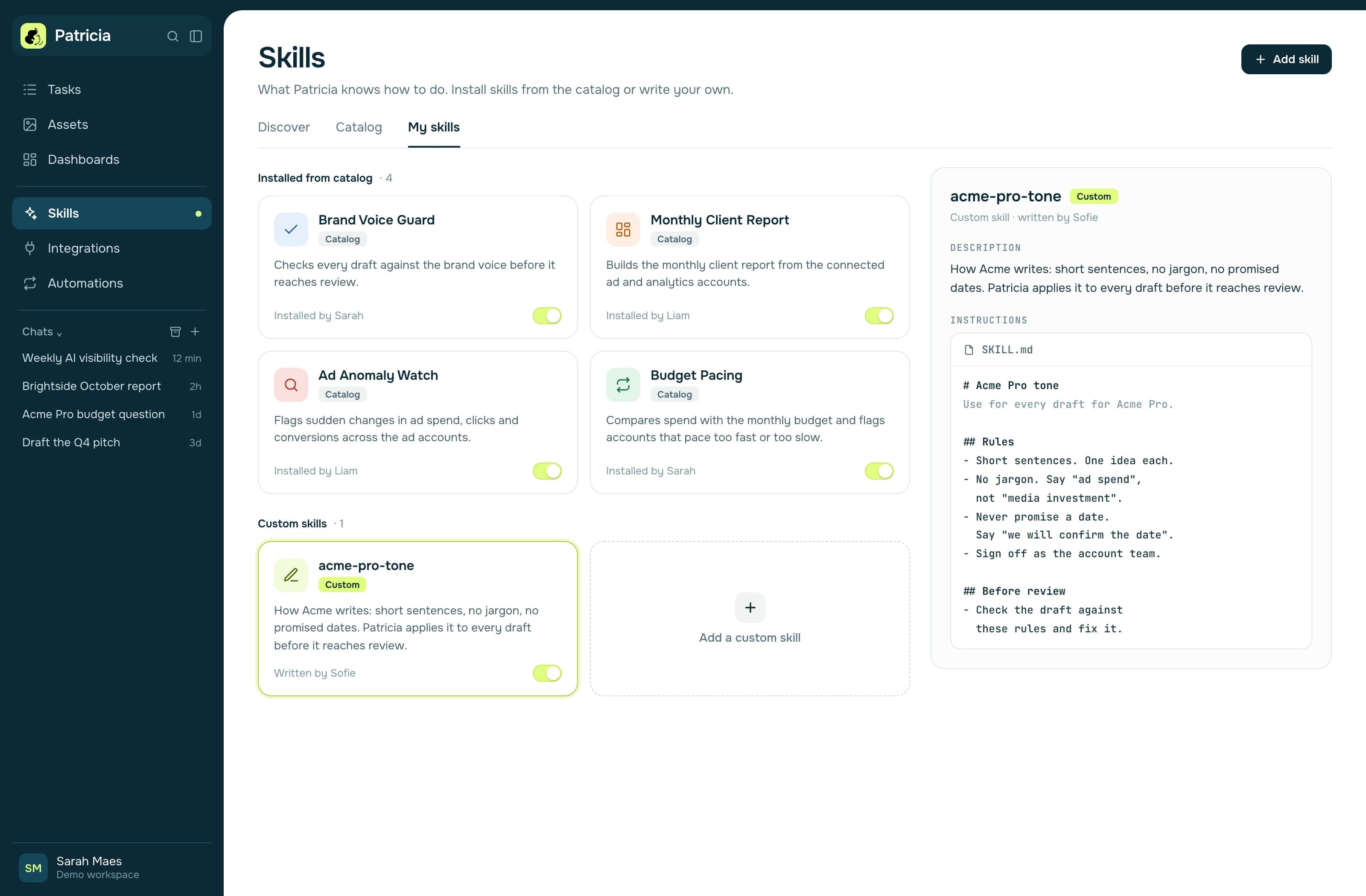
Fix: teach standing rules as you go. When something is wrong, write the rule once ("From now on, Acme's report leads with cost per lead") instead of rephrasing the request. When an output is good, save it as the template for next time. Those rules are the context that makes the work specific to your clients.
3. The team doesn't use it
Adoption fails when the AI lives in another tab. Account managers won't open a separate app to ask for a recap they could write in 10 minutes.
Fix: put the coworker where the work already happens, in your Slack or Teams channels, and give each teammate one job to hand over in their first week. Keep asks short: one or two sentences, start with a verb (draft, find, check), one ask per line. For big work, ask for a plan first and approve it.
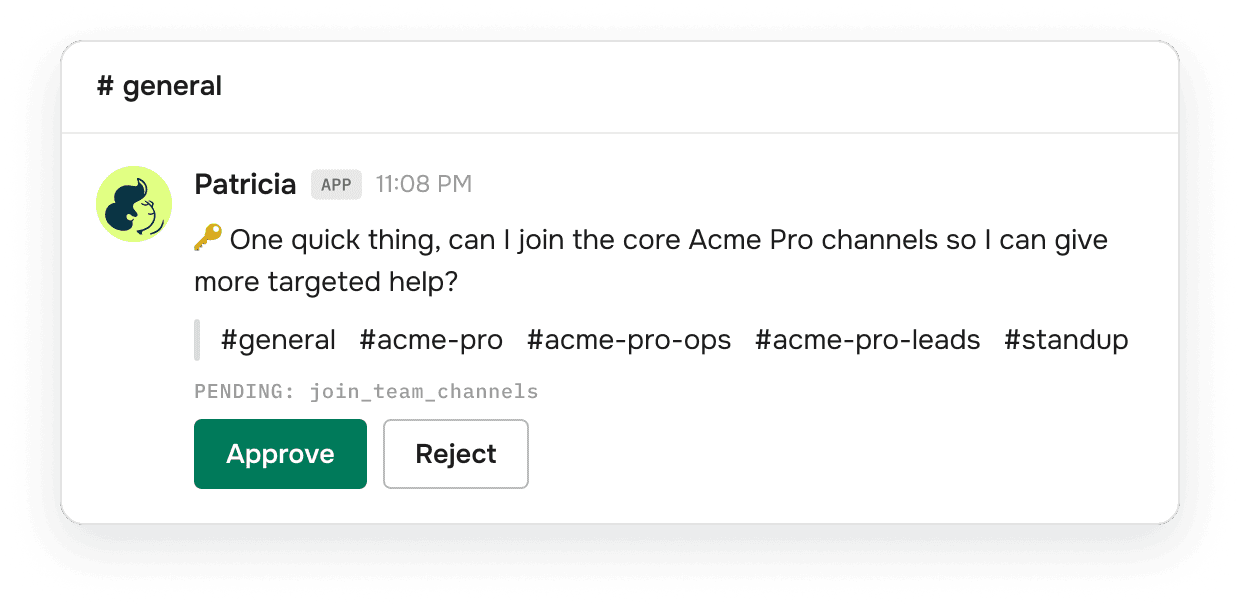
4. Nobody trusts it with clients or ad accounts
This is the compliance and governance problem. An agency holds other companies' data and ad budgets. One wrong email to a client or one budget change nobody approved costs more than a year of software.
Fix: keep every write on "ask first" for week one and route anything client-facing through an approval. Decide who can approve what before the first job runs. Check the vendor's security page for an audit (SOC 2 Type II or similar) and where data is hosted.
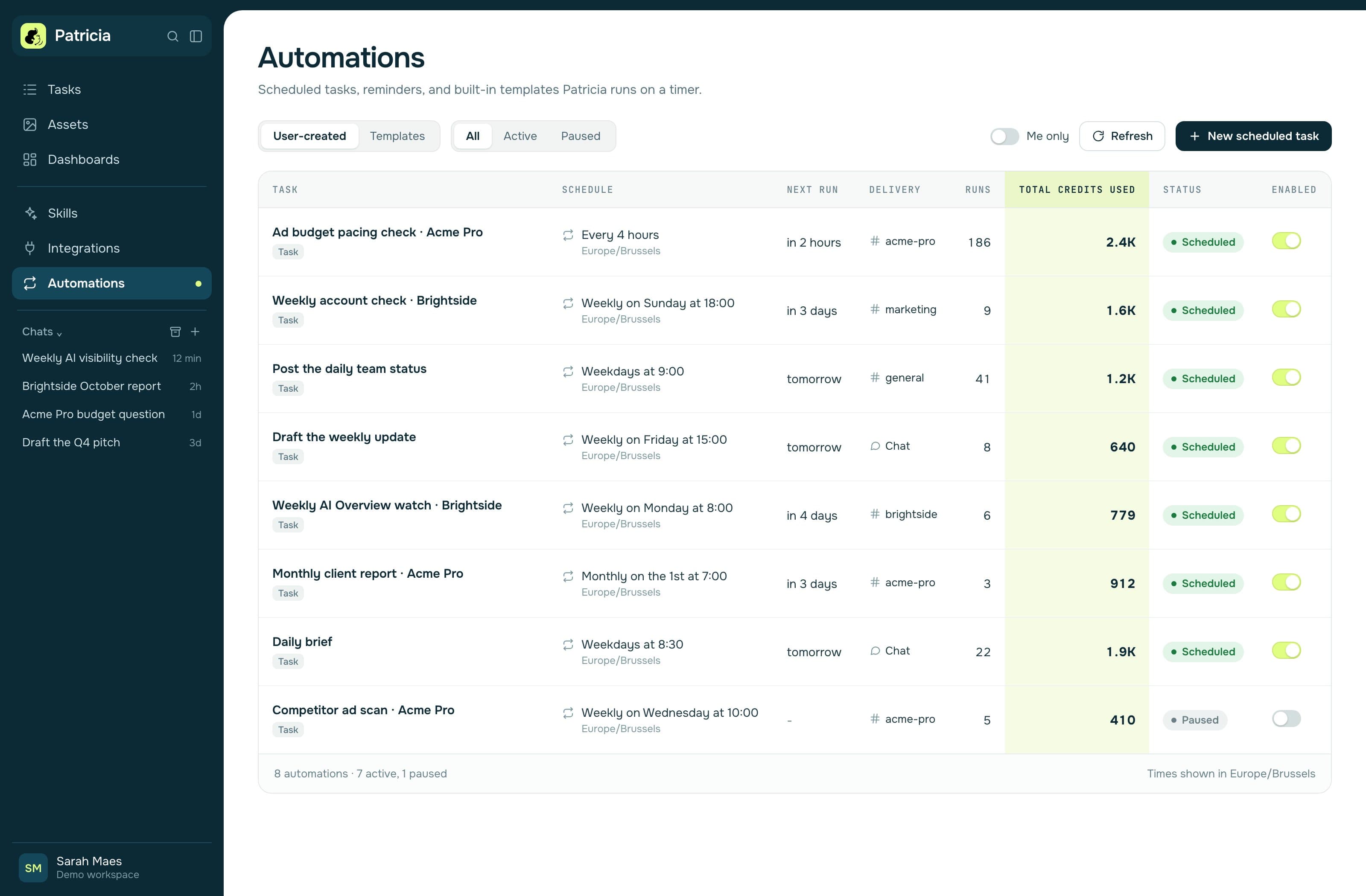
5. Costs are hard to predict
Per-seat pricing grows with every hire. Usage pricing grows with every job. Owners get nervous when they can't say what next month's bill will be.
Fix: before you start, ask the vendor what one run of your first job costs and whether there's a spend cap. Then put a cap in place. Run the job for a week and compare the real cost to the estimate.
6. Nobody can say if it worked
Teams measure "it feels faster" and the project dies at the next budget review. The AI answers call this pilot fatigue.
Fix: write down two numbers before day one: how long the first job takes a person today, and how often it runs. On day 5, check one thing: did the job run without you? We wrote a full method for this in is an AI coworker worth it.
What should the first week look like?
This is the plan from our onboarding guides. It works for any AI coworker, so use it even if you pick another product.
| Day | Do this | Done when |
|---|---|---|
| Day 0 | Write down your first job, how long it takes today, and how often it runs. | You have a baseline in hours per month. |
| Day 1 | Pick the first job. Connect only the tools it needs. Set writes to ask first. | The coworker can read the accounts for one client. |
| Day 2 | Teach one standing rule. Turn one good piece of work into a reusable template (a skill). | The second draft needs fewer edits than the first. |
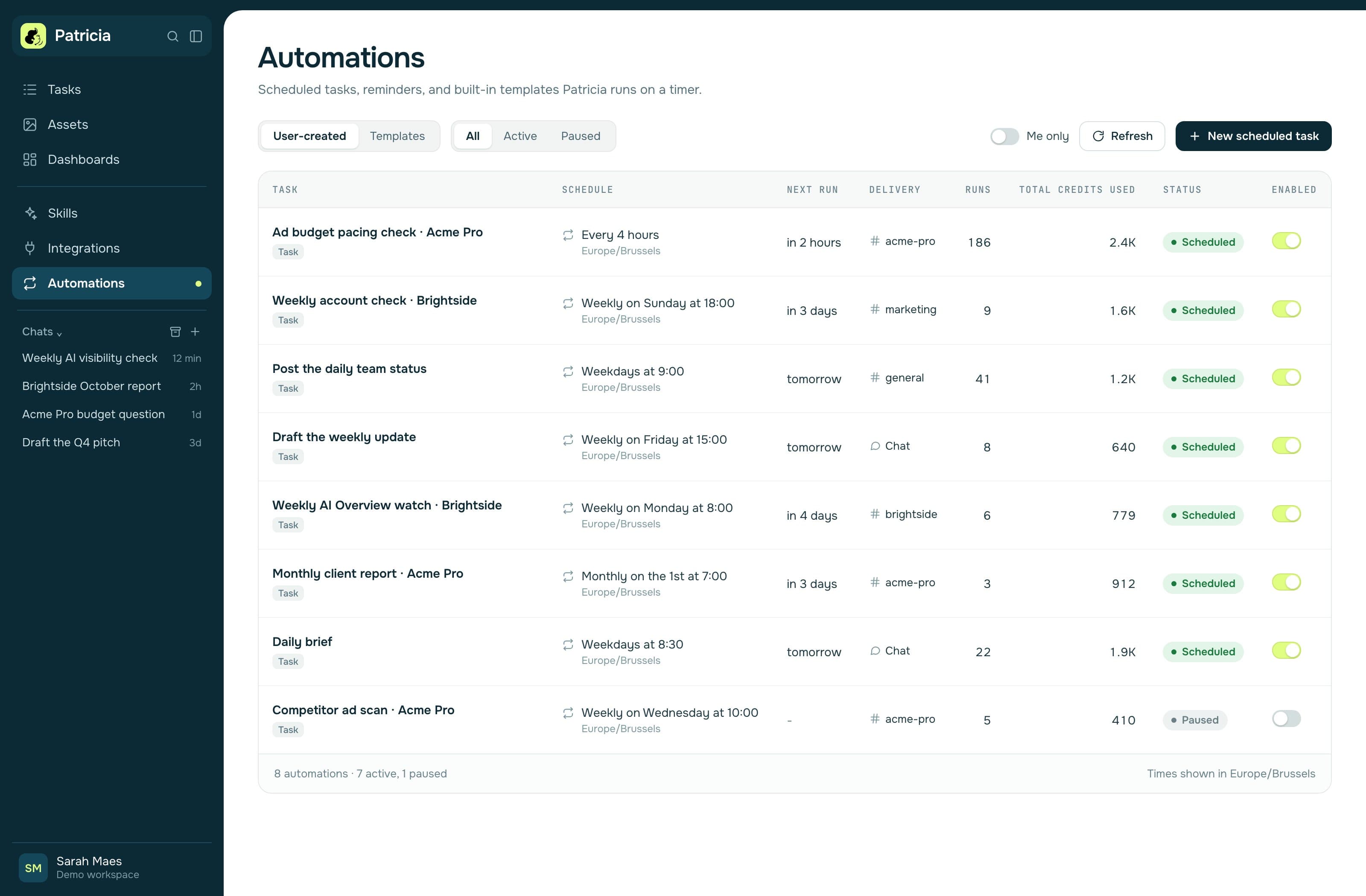
| Day 3 | Run the first job once by hand. Put it on a schedule. Connect your calendar if meetings are involved. | The job has a time and a channel. |
| Day 4 | Bring in the team. Add the coworker to the right client channels. Send teammates a one-page "how to ask" note. | Each teammate has asked for one real thing. |
| Day 5 | Check whether the first job ran without you. | Yes, or you know which rule is missing. |
Day 0 is our addition. Days 1 to 5 follow the "Your first week" plan on patricia.app/onboarding.
Five mistakes to skip in week one
Starting ten jobs at once. Repeating an instruction in new words instead of writing the rule. Expecting the coworker to read channels it isn't in. Running every client through one big channel. Switching writes to "always allow" before it has earned it.
How does Patricia's onboarding handle it?
Patricia is an AI coworker for agencies that works inside Slack, with Microsoft Teams in beta. Here is how each of the 6 problems is handled in our setup, using only what's live on our site today.
A dedicated onboarding (free trial included)
Every agency gets a dedicated onboarding: we set Patricia up with you, on your own client work. You bring one real client job, such as a client report, an ad audit or a follow-up, and we set Patricia up to run it on your tools. You start with $100 of free credits after a card check. That's our free trial. Self-serve onboarding, with step-by-step tutorial videos, launches soon.
This is our answer to the six problems above. In the onboarding we pick the first job with you, connect only the tools it reads, set writes to ask first and write the first standing rules together. We do not promise a full rollout in a fixed time: the rest of the setup is teaching rules as your clients' edge cases come up.
The onboarding guides
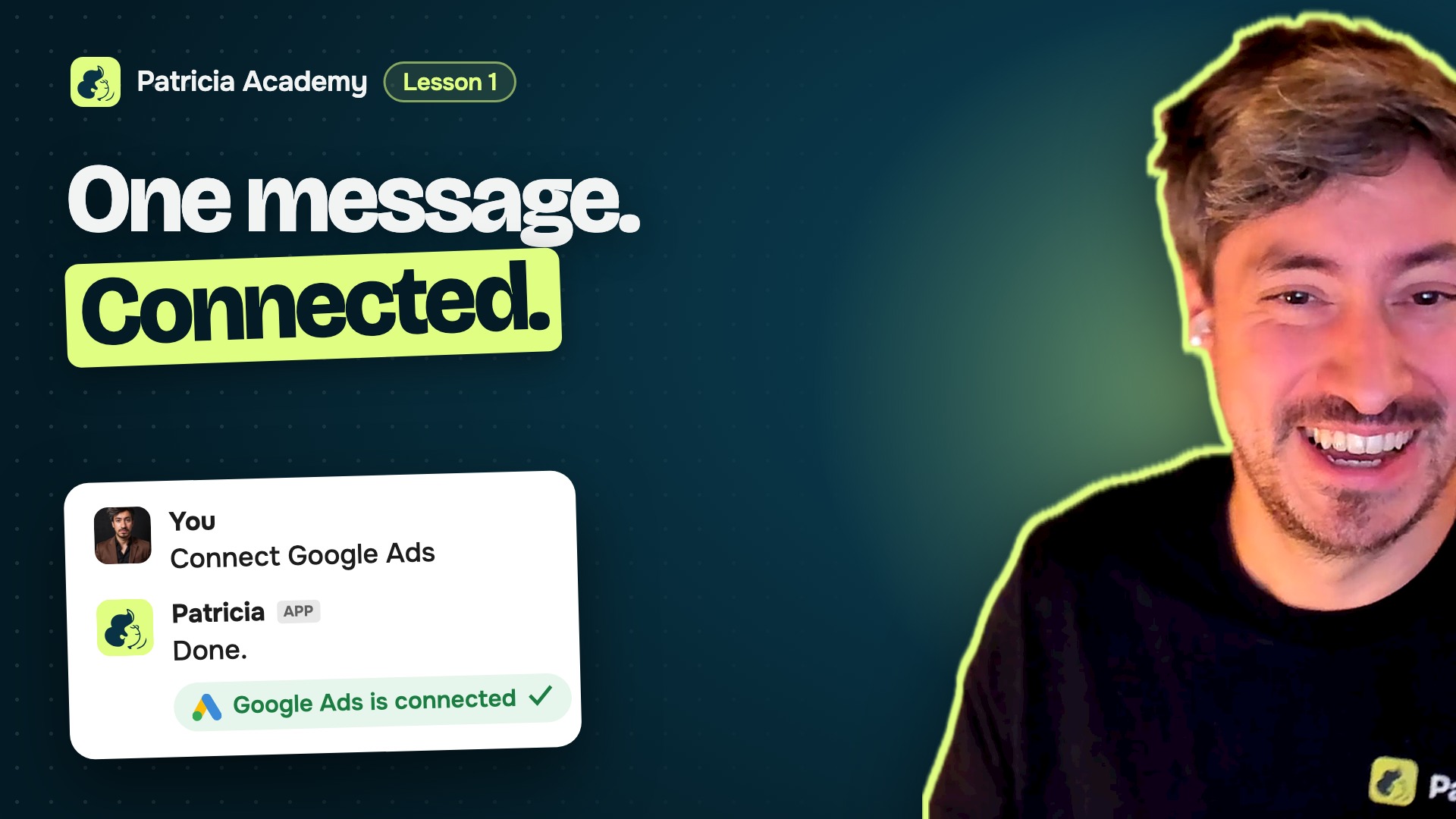
After the onboarding, 8 short guides take the owner through the first week: connect your tools, skills and memory, automations, meetings, your team and her channels, a teammate's first day, Patricia in Claude and ChatGPT, and where things live. The first-week table above comes from them. Most setup happens in Patricia's DM in Slack.
 8:25
8:25How the 6 problems map to the product
- Integration: 1,000+ integrations, with native connectors for Google Ads, Meta Ads, LinkedIn Ads and Canva. You connect what the first job needs.
- Context: one shared memory for the agency, the company brain, which tracks who owes what to which client. Standing rules and skills build on it.
- Adoption: she works in your Slack channels, so the team asks her where they already talk.
- Trust: drafts wait for a named yes before they reach a client; the meeting recap email goes to everyone on the invite by default, and you can narrow it to the team or switch it off. On ad accounts she reads, flags and proposes. Budget, bid and spend changes wait for a named yes by default, and new campaigns start paused. You can set every change to ask first. Patricia is a BetterGroup product: SOC 2 Type II audited and GDPR compliant, with the reports in the BetterGroup Trust Center, and hosted in the United States, US East (see security).
- Cost: Founding plan, $45 a month per workspace, every seat included, with 20,000 credits included every month and more credits as you use them. A client report runs about 300 credits. Set a monthly spend cap, with an alert before you reach it. Credits never expire and roll over. Details on pricing.
- Results: the day 5 check in the guides, plus your own baseline from day 0.
What a real setup looks like
We do not publish a customer's setup story until the customer approves it. Our approved stories are on the customers page.
If you'd rather not set it up yourself
The Setup Sprint is a done-for-you version over 5 weeks, with about 2 hours a week from your team and one point person. Week 1 maps the client work, week 2 connects the accounts, week 3 builds the routines and runs them side by side with your team, week 4 launches with the account team, and week 5 tunes and hands over to a trained internal owner. It costs $9,750 one time, including $1,000 in credits, and the subscription is billed separately. You can stop at the end of any week, and we refund every week we have not started.
Most agencies don't need it. If you have one person who can give the first week 3 to 4 hours, the dedicated onboarding and the guides are enough.
FAQ
How long does it take to set up an AI coworker?
It depends on the job, so we do not promise a fixed time. In Patricia's dedicated onboarding, we set up your first recurring job with you, on your own client work. Then you teach standing rules as edge cases come up, and you add the next job once the first one runs without you.
What should an agency automate first with an AI coworker?
Pick one recurring job that happens every week, has a clear output and has someone who checks it today: a client report, a daily ad account check, or call recaps with follow-up drafts. Avoid starting ten jobs at once.
Do we need clean data before we start?
No. You need clean context for the first job only: the client names, the accounts it reads, the format you want and two or three standing rules. Teach the rest as it comes up.
How do we stop an AI coworker from sending something wrong to a client?
Keep writes on ask first in week one and route client-facing drafts through an approval. In Patricia, drafts wait for a named yes before they reach a client. The one exception is the meeting recap email: by default it goes to everyone on the invite, and you can narrow it to the team or switch it off. On ad accounts, budget, bid and spend changes wait for a named yes by default, and new campaigns start paused.
Can we set up Patricia ourselves?
Today, every agency gets a dedicated onboarding: we set Patricia up with you, on your own client work, and you start with $100 of free credits after a card check. Then the eight onboarding guides walk you through the first week. Self-serve onboarding, with step-by-step tutorial videos, launches soon. Agencies that want it done for them can book the five-week Setup Sprint.
What does it cost to set up an AI coworker?
For Patricia, the Founding plan is $45 a month per workspace, every seat included, with 20,000 credits included every month and more credits billed as you use them. The dedicated onboarding is free. The optional done-for-you Setup Sprint is $9,750 one time, including $1,000 in credits.

Growth Manager at Patricia. He runs Patricia's SEO, AI visibility and YouTube, and writes about what an AI coworker needs before it is useful in a small agency.