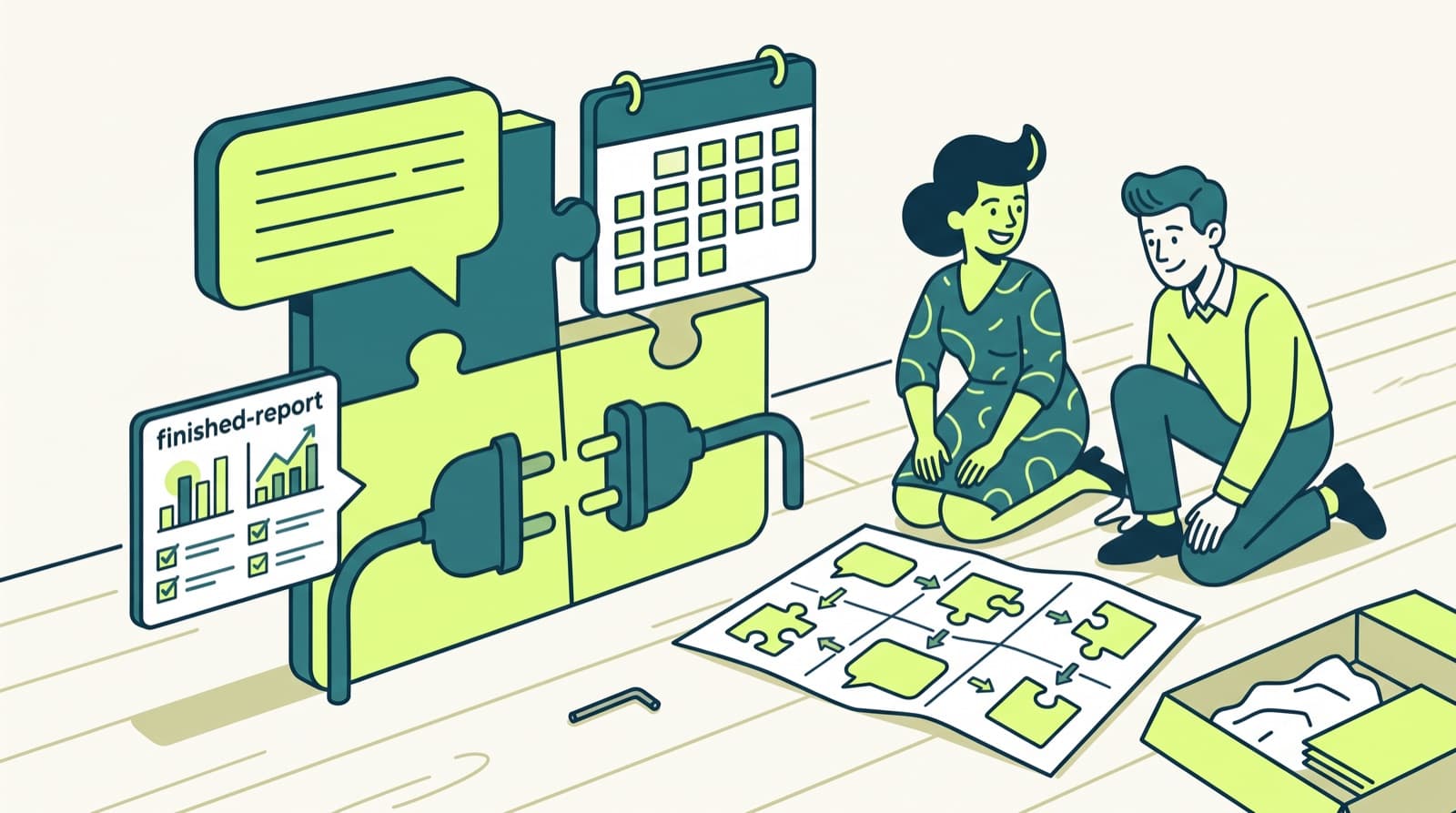
An AI chief of staff with a daily brief sends you one message each weekday morning: today's meetings with context, the threads waiting on your answer, the work that slipped, and the decisions only you can make. You can build one yourself from your calendar, email, Slack and ad accounts with a scheduler and a language model, or use a tool that sends it for you: Lindy, alfred_, Alyna, readywhen, Otto by Workato, or Patricia if your team works in Slack or Microsoft Teams.
This guide is for the founder or agency owner every question runs through.
Checked 3 Nov 2026What a good daily brief contains
A good brief answers three questions before your first coffee: what moved, what is late, and what needs me. Five blocks cover it.
| Block | What goes in | Where it comes from |
|---|---|---|
| 1. Today | Meetings in time order, internal or external, with one prep line for each external meeting | Calendar, plus the last email or chat with that guest |
| 2. Waiting on you | Threads where the last message is someone else's and nobody has answered, ranked by who is waiting | Email, Slack or Teams, task tool |
| 3. Late or slipping | Tasks past due, deliverables due this week with no owner moving, promises you made in a thread | Task tool, chat |
| 4. Decisions | Approvals, invoices to sign, a client asking for a call, a budget change to confirm | Email, chat, finance tool |
| 5. Numbers that moved | Ad spend or cost per result outside its normal range, a lead that came in overnight | Ad accounts, CRM, inbox |
Leave out newsletters, receipts, calendar notices, cc-only mail and cold pitches. A brief that lists everything gets skipped by Wednesday.
Two format rules keep it read:
- One screen. The headline items fit on a phone without scrolling. Details go in a thread under the message.
- Every item links to its source. One tap opens the email, the Slack thread or the ad account.
Example brief, made-up data
Tuesday. 4 meetings, 2 external. 3 people waiting on you. 1 decision.
→ 10:00 Call with Dana Lee (Northwind, external). Last week she asked for the Q4 media plan.
→ Waiting: Sam at Acme asked for the revised quote on Friday. No reply yet.
→ Late: the Brightside October report was due Monday. Draft is ready for review.
→ Decision: approve the $2,000 Meta budget increase for Acme, or keep it flat.
→ Moved: Northwind Google Ads cost per lead up 41% on yesterday's 7-day average.
Where the brief reads from
Four sources cover most mornings. Each has a trap.
- Calendar. Read today as single events, with recurring meetings expanded. Drop meetings you declined and blocks you made for yourself. Two copies of one meeting (an invite plus a booking tool's copy) are one meeting.
- Email. The window starts when your workday ended. Check your sent folder too: a thread you already answered is off the list.
- Slack or Teams. Direct messages and mentions where the last message is not yours. A teammate who already answered for you closes the item.
- Ad accounts. Yesterday against the 7-day average, per account. Report only what is outside the range you set, or the brief turns into a dashboard.
How to build a daily brief yourself in 6 steps
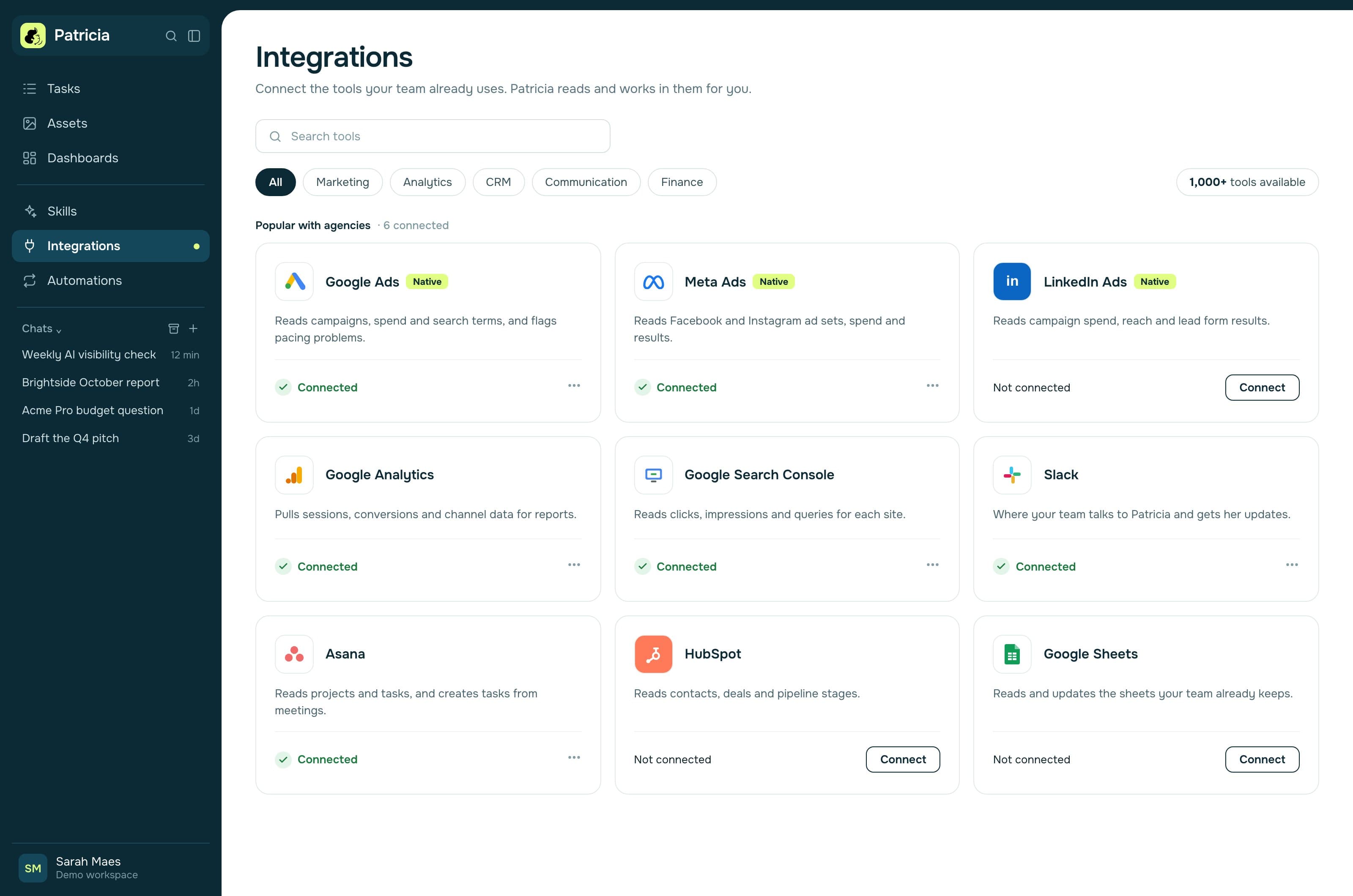
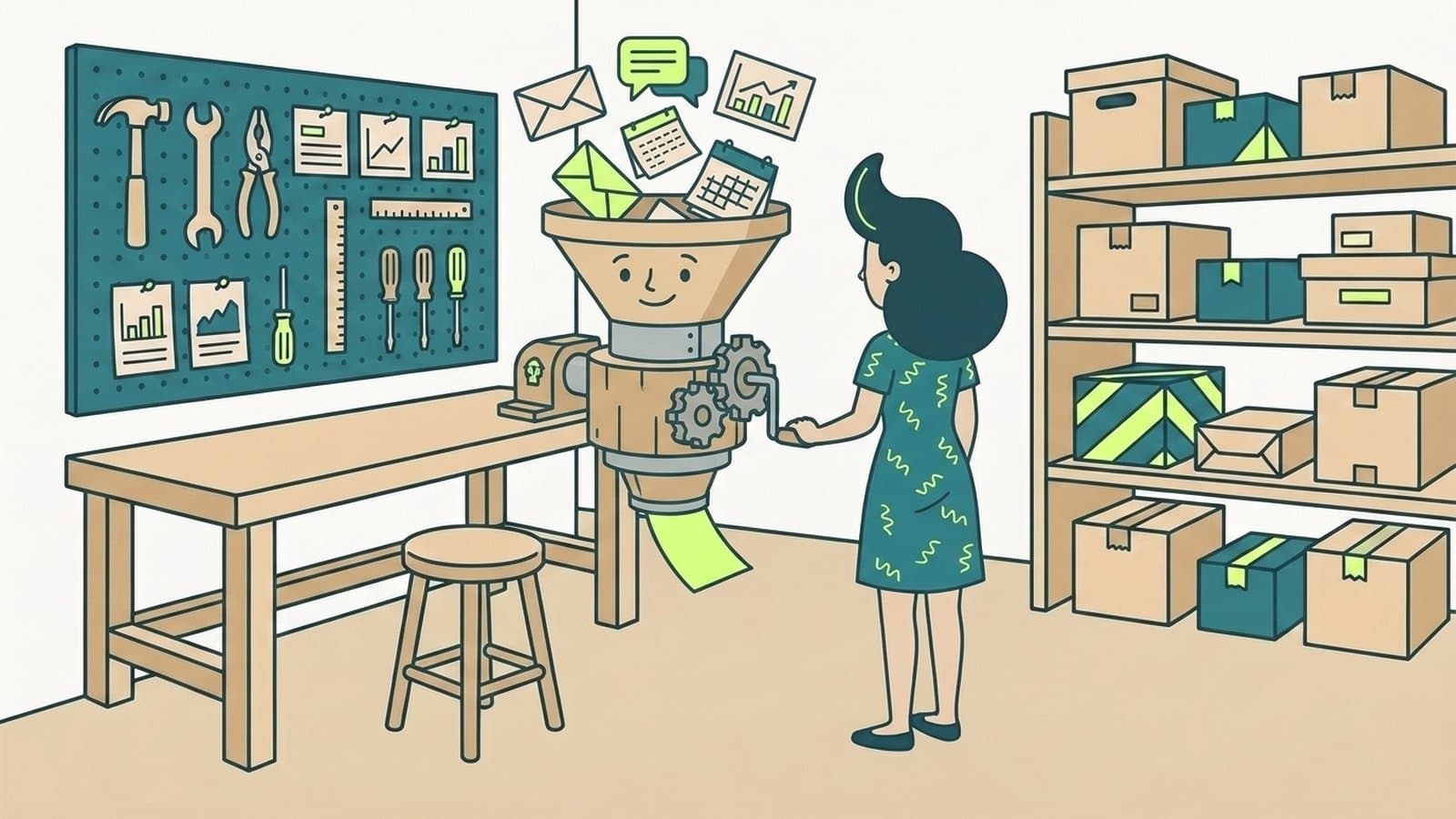
You need a scheduler (cron, Zapier, Make or n8n), read access to each source, a language model API key, and a way to post into Slack or Teams.
Set the window and the time
- What to do
- Read from 17:00 on the last working day until the brief runs. On Monday that means Friday 17:00. Run it on weekdays, 30 to 60 minutes before your first meeting, in your own timezone.
- Where it stops
- Travel breaks a fixed timezone. Store the timezone as a setting, not in the code.
Pull today's calendar
- What to do
- Ask Google Calendar or Outlook for today's events as single events, ordered by start time. Mark a meeting external when any guest's address is outside your company's domains. For each external meeting, search mail and chat for that guest's name from the last 14 days and keep one line.
- Where it stops
- Gmail and personal domains are never internal, even when a teammate uses one.
Pull what waits on you
- What to do
- Search the inbox for the window, skipping promotions. Then search sent mail for the same window. A thread waits on you when the latest message is someone else's, you have not answered it, and no teammate acted on it. Do the same for Slack or Teams mentions and direct messages, and pull overdue tasks from your task tool.
- Where it stops
- Follow-ups ("any news?") hide the real request. Read back to the first message and name it.
Pull the numbers that moved
- What to do
- For each ad account on Google Ads, Meta Ads and LinkedIn Ads, compare yesterday's spend and cost per result with the 7-day average. Keep only the accounts outside the threshold you set, such as 30% either way.
- Where it stops
- Ad platforms report late conversions. Yesterday's numbers move for a day or two, so treat one bad day as a flag to look, not a verdict.
Write the brief with a model
- What to do
- Send the collected items to a language model with a fixed prompt. Keep the prompt short and strict:
You write my morning brief. Use only the items below.
Sections, in order: Today, Waiting on you, Late, Decisions, Moved.
One line per item, with its link. Skip a section with no items.
Leave out newsletters, receipts, calendar notices, cc-only mail, cold pitches.
The headline items fit on one phone screen. Put details in a second message.
Never invent an item. If a source failed, say which one.
- Where it stops
- The cost is the model's API price per run, usually small next to the time it saves. The real cost is upkeep: tokens expire, APIs change, and the rules need tuning for the first two weeks.
Post it to Slack or Teams
- What to do
- In Slack, post with an incoming webhook to a private channel, or with a bot token to your direct messages. In Teams, use a workflow that posts to a chat. Send the headline as the first message and the details as a reply under it.
- Where it stops
- Keep the brief read-only. A brief that also sends replies on its own needs an approval step, and that is a different build.
Tools that send an AI daily brief
If you would rather not maintain the build, these tools send a brief for you. Facts from each vendor's own site, checked 3 Nov 2026.
| Tool | Where the brief arrives | What it reads | Starting price |
|---|---|---|---|
| Patricia (ours) | Your Slack or Teams direct messages, weekdays at 08:00 by default | Calendar and mail (Gmail and Google Calendar, or Outlook), chat, tasks | $45/mo per workspace, every seat included |
| Lindy | Daily briefs "Every day · 8:00 AM"; the page does not tie them to one channel (Lindy works in Slack, iMessage, email) | Not listed for the brief | Free $50 in credits for 7 days; Team $29.99/mo per active user |
| alfred_ | "A single document" each morning; channel not stated | Gmail or Outlook inbox plus connected calendars | Starter $29.99/mo, or $25 billed annually; 7 days free, card required |
| Alyna | Slack or Teams, or by voice | Slack, Teams, Gmail, Outlook, Google Calendar, WhatsApp, SMS, Confluence, Jira | Free $0; Pro $49 per user/mo |
| readywhen | Its own app, each morning | "Your email, calendar, calls, chats and docs" | Not published ("Start free") |
| Otto by Workato | A "two-minute audio brief on the day's top issues"; works in Slack, its app and SMS | Gmail, Outlook, Google Calendar and connected apps | Free 30-day trial with 500 credits; paid prices not published |
- alfred_ processes your inbox overnight and lists "emails triaged by urgency, draft replies waiting to send", today's calendar, tasks due and follow-ups.
- Alyna calls itself a personal AI agent that "triages, drafts, and queues", and you approve. Its brief covers meetings, the prep each needs, open threads and a few next actions.
- readywhen tracks the commitments you make in email, calls and messages, and its brief covers "what you promised, who's waiting, and the one thing that can't slip."
- Lindy runs scheduled routines: "A morning brief, a Monday report, a Friday nudge, whatever you set." Its home page shows a daily Slack post with Meta and Google ad spend and a HubSpot pipeline line.
alfred_, Alyna and readywhen are built around one person's inbox. For a team, check what each person gets and whether the price is per user or per workspace.
How Patricia sends the daily brief in Slack or Teams
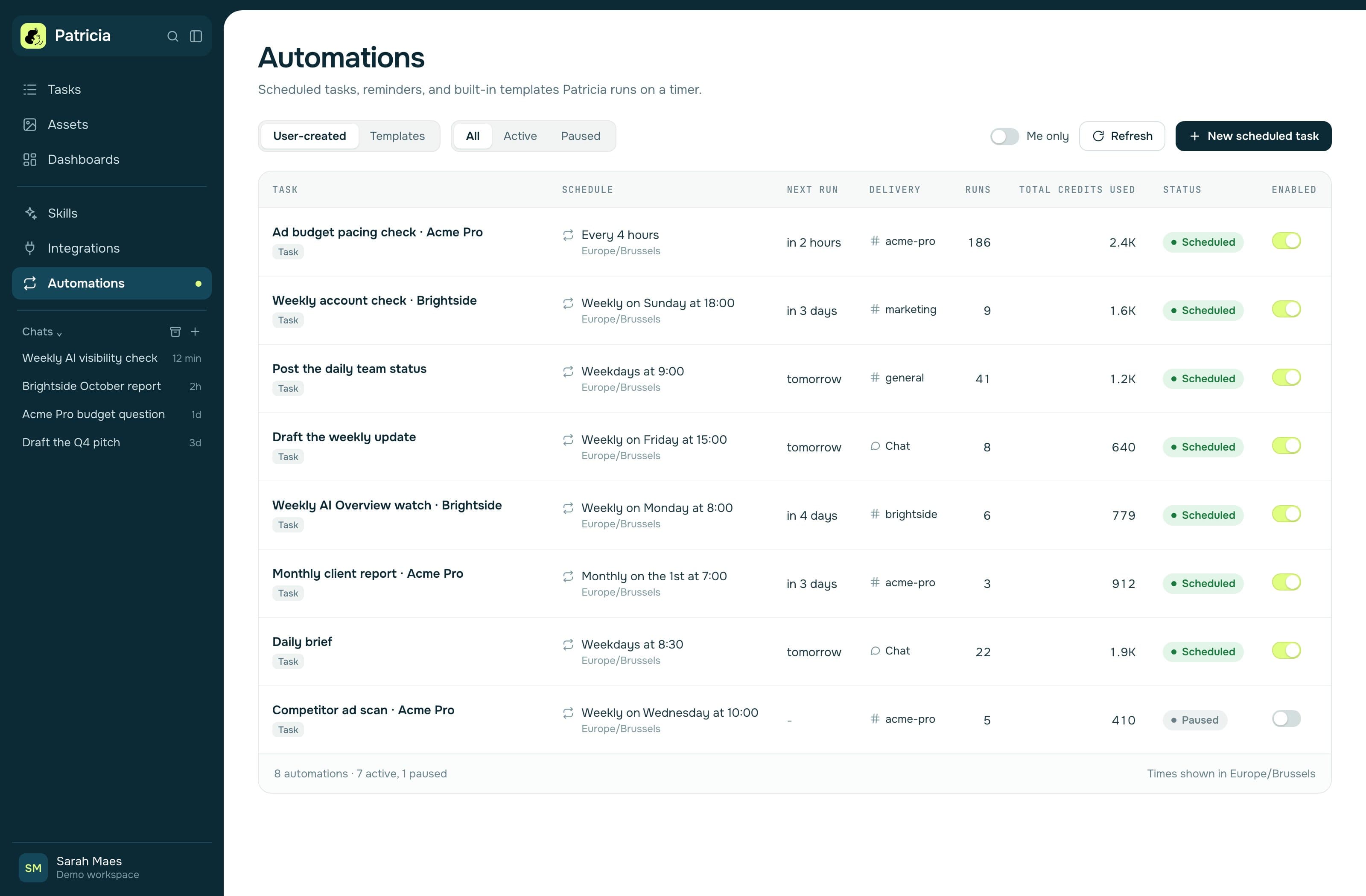
Patricia is an AI coworker for small marketing agencies, and the Daily Brief is one of her built-in Automations. Here is what it does today:
- When and where. Weekdays at 08:00 in your direct messages, in Slack or Microsoft Teams. You can pick 8:00, 9:00 or your own time, and it runs in your timezone.
- What it reads. Your calendar and mail, from Gmail and Google Calendar or from Outlook, with any mix of mailboxes. It also reads your chat and flags what is waiting on you.
- What it says. Today's calendar at a glance and one list ranked across chat, mail and tasks. New inbound leads from your mail get a card of their own, junk and spam included, so a real lead caught by the spam filter still reaches you.
- How it reads. A short message, with the details in a thread under it. Tasks at the end come as buttons you can tap.
- What it never does. The Daily Brief is read-only: it reports, and it never sends, replies, or changes anything on its own. A scheduled brief posts without asking for approval first.
- Each person gets their own. New members get the Daily Brief, Meeting Prep and Post-meeting Follow-ups set up automatically when they join.
Ad numbers come from a separate Automation, Ad Anomaly Watch. It checks every client's Google, Meta and LinkedIn ads each morning and speaks up only when something is off. So your brief stays about you, and the account alerts stay with the account. See budget pacing for how the ad checks run.
A Daily Brief run is billed in credits like any other job, and the Automations page shows the total credits each automation has used. The Founding plan is $45 a month per workspace with 20,000 credits included every month, and credits never expire.
The brief is one part of the owner's day. The AI executive assistant page covers the rest: call recaps, follow-ups, scheduling and the weekly client report.
When another tool fits better
If you want the brief by voice, Otto and Alyna offer it; Patricia writes hers. If the brief is for you alone and your team does not live in Slack or Teams, a personal tool such as alfred_ or readywhen fits that shape. If you want one AI employee to run your inbox and calendar end to end, Lindy is built around that job.
Patricia fits when the brief is one piece of a team's client work: an agency, or a business that runs its marketing in Slack or Teams, where the same coworker also drafts the client reports and watches the ad accounts.
FAQ
What is an AI chief of staff?
An AI chief of staff reads your calendar, mail, chat and work tools and tells you what needs you. Its core output is the daily brief: one message each weekday morning with today's meetings, what waits on you, what slipped and what needs a decision.
What should an AI daily brief include?
Five blocks: today's meetings with a prep line for each external one, the threads waiting on your answer, work that is late or slipping, decisions only you can make, and numbers that moved outside their normal range. Leave out newsletters, receipts, calendar notices, cc-only mail and cold pitches. Keep it to one screen with details in a thread.
Which AI tools send a daily brief?
Patricia sends a Daily Brief in Slack or Microsoft Teams. Lindy lists daily briefs at 8:00 AM. alfred_ includes a morning brief on every plan from $29.99 a month. Alyna sends a morning brief to Slack or Teams, or by voice. readywhen sends a morning brief in its app. Otto by Workato can send a two-minute audio brief. Vendor pages checked 3 November 2026.
Can I get an AI daily brief in Slack?
Yes. Patricia posts the Daily Brief in your Slack or Teams direct messages on weekdays, at 08:00 by default, and Alyna lists Slack and Teams as delivery channels. You can also build one yourself and post it with a Slack incoming webhook.
Can I build an AI daily brief myself?
Yes, with a scheduler, read access to your calendar, mail, chat and ad accounts, a language model API and a Slack webhook or Teams workflow. The hard parts are the rules: what counts as waiting on you, what to leave out, and keeping tokens and connections working.
Does Patricia's Daily Brief send emails or change anything?
No. The Daily Brief is read-only: it reports, and it never sends, replies, or changes anything on its own. Drafts and actions you pick from it follow your approval settings.

Thibaut Hennau is the Growth Manager at Patricia. He runs Patricia's SEO, AI visibility and YouTube.