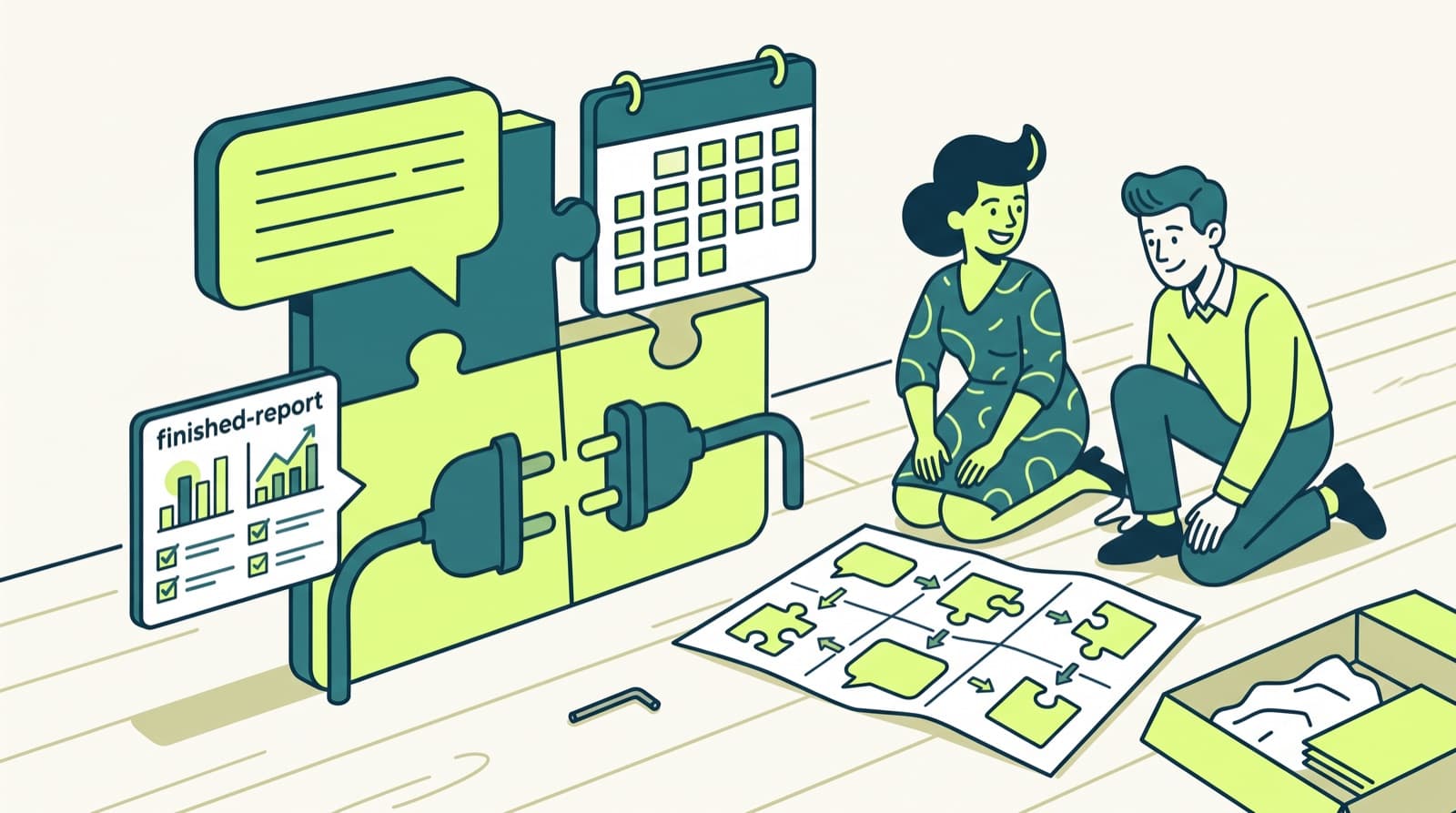
Client promises get made in three places: a Slack thread, an email and a call. Most of the ones that slip were never written down anywhere the team looks.
To track client follow-ups across Slack and email, keep one shared list of open promises, each with a client, an owner, a due date and a link to where it was made. Feed it with one fixed signal per tool: an emoji in Slack, a label or flag in email, and an action-item read-back at the end of every call. Review the list daily and weekly, and close a row only when the client has the answer.
The method below works with no new software. The last section shows how Patricia, our AI coworker for agencies, does the capture and the drafting for you.
Checked 3 Nov 2026The 6 steps at a glance
| Step | What it fixes | Time (our estimate) |
|---|---|---|
| 1. One home for follow-ups | Promises in five places | 30 minutes, once |
| 2. One signal in Slack | Promises lost in threads | 20 minutes, once |
| 3. One label in email | Promises lost in inboxes | 15 minutes per person, once |
| 4. Calls become rows | "I thought you were sending that" | 5 minutes per call |
| 5. Fixed review | A list nobody reads | 10 minutes a day, 15 a week per client |
| 6. Close the loop | Done inside, silent outside | 5 minutes per follow-up |
The 6 steps, one block each
Step 1. Give every follow-up one home
- What to do
- Create one shared list. Use what your team opens every day: a Slack List, an Asana or ClickUp project, a Notion database or a spreadsheet. Give it six fields:
- Client: one value per client, the same spelling everywhere.
- Promise: a verb and a deliverable. "Send the revised Q1 media plan", not "media plan".
- Owner: one named person. Never "we" or "the team".
- Due date: a date. "Soon" and "next week" are not dates.
- Source: the link to the Slack message, the email or the call recap.
- Status: open, waiting on client, done.
- Why it works
- When someone asks "who owes what to which client?", there is one place to look. The source link ends arguments about what was promised.
- Where it stops
- A list only holds what people put in it. Steps 2 to 4 are how things get in.
Step 2. Capture promises in Slack with one signal
- What to do
- Agree on one emoji that means "this is a client promise", for example a custom :follow-up: emoji. Then:
- Route it. In Workflow Builder, start a workflow with "When an emoji reaction is used", pick the emoji and the client channel, and add a step that sends a message to a #follow-ups channel. Slack says Workflow Builder is "available on paid plans."
- Log it. The account manager copies each #follow-ups post into the list from step 1, with an owner and a date.
- Remind yourself. For your own items, open the message's menu and pick "Remind me about this", with a preset time or Custom. Reminders set for a day arrive at 9 a.m. in your time zone by default.
- Save, then clear. "Add to saved" puts a message in the Saved section of Home. Treat it as an inbox you empty into the list, never as the list.
- Why it works
- One emoji takes two seconds in the moment, so people use it. Reminders and saved items are personal, so a shared list is still needed for handovers and holidays.
- Where it stops
- Slack Connect channels and DMs with clients need the same emoji habit, and people forget it on mobile. In Teams, use one channel per client and the same "promise" convention.
Step 3. Capture promises in email with one label or flag
- What to do
- Gmail: create one label, "Client follow-up", for both promises you made and answers you are waiting for. Turn on Nudges in Settings, under General: "Suggest emails to reply to" and "Suggest emails to follow up on". Per Google's help page, Gmail then brings those emails back to the top of your inbox.
- Outlook: flag the message for follow-up and choose Custom to set a start date, a due date and a reminder. Per Microsoft's help page, flagged messages show in the To-Do Bar and in Tasks. You cannot set the dates on an IMAP account.
- Both: copy each labelled or flagged email into the shared list with its link, then archive it.
- Why it works
- The label gives the team one word for the same thing. The copy into the list is what makes it visible to anyone but the inbox owner.
- Where it stops
- Labels and flags live in one person's mailbox. If an account manager is out, nobody else sees them unless they are in the list.
Step 4. Turn every client call into rows
- What to do
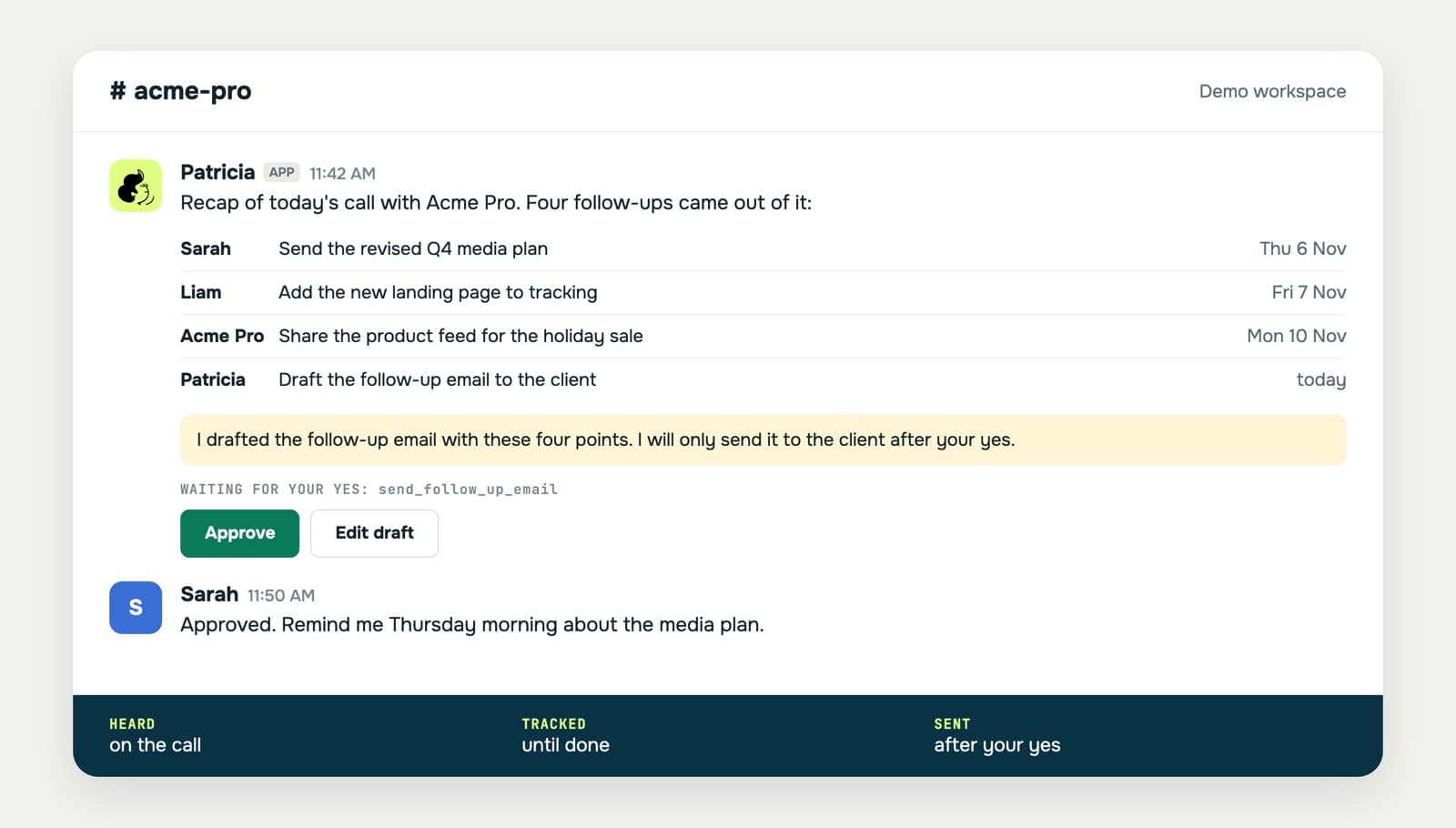
- Keep the last minutes of every client call for one thing: read the action items back, each with an owner and a date, and get a "yes" from the client. Post the recap in the client channel the same day, and add one row per action item, including the ones the client owes you.
- Tools that help
- Slack huddle notes on paid plans give "meeting summaries with transcripts, key takeaways, and action items". In Teams, Microsoft 365 Copilot "recaps meetings and highlights action items" with a Copilot license. A notetaker gives you the text; someone still has to own each row.
- Where it stops
- Phone calls and hallway chats have no recap. Ask the person who took the call to add the row before the end of the day.
Step 5. Review the list on a fixed rhythm
- What to do
- Daily, 10 minutes: each account manager sorts their open rows by due date and clears today's.
- Weekly, per client: the team goes through every open row for that client, re-dates or reassigns, and closes what is done.
- Waiting on client: nudge after 3 working days with no answer. This is our suggested rule; tune it to each client.
- Why it works
- A tracker without a review turns into a graveyard within a month. The weekly per-client pass is also your prep for the next client call.
- Where it stops
- It costs time every week. That time is the price of the no-software version.
Step 6. Close the loop with the client
- What to do
- When a row is done, send the client a short follow-up: what is done (with the link), what is next, who owns it and by when. Then mark the row done. A promise counts as closed when the client has heard back, not when the work is finished inside the agency.
- A template you can copy
- "Hi Sam, as promised on Tuesday's call: the revised Q1 media plan is here [link]. Next: you confirm the April budget by Friday, and we launch the new Meta Ads set on Monday. Anything to change, reply here."
- Where it stops
- Someone has to write it, every time. This is the step that slips first in a busy week.
The no-software version on one page
| Where the promise is made | Signal | Where it goes | Who checks it |
|---|---|---|---|
| Slack thread or Slack Connect channel | The :follow-up: emoji | #follow-ups, then the shared list | Account manager, daily |
| Teams channel or chat | The same "promise" convention per client channel | The shared list | Account manager, daily |
| Gmail | "Client follow-up" label plus Nudges | The shared list | Inbox owner, daily |
| Outlook | Follow-up flag with a due date | To-Do Bar, then the shared list | Inbox owner, daily |
| Client call | Action items read back at the end | Recap in the client channel, one row each | Call owner, same day |
| All of the above | Status: open, waiting, done | The shared list | The team, weekly per client |
Five mistakes that lose client follow-ups
- The owner is "we". A row with no single owner has no owner.
- The due date is a feeling. "End of week" moves every week. Write a date.
- Promises in DMs. A promise made to a client in a private DM never reaches the team. Move it to the client channel or add the row.
- Saved items as the tracker. Slack's Saved section and Gmail stars are personal. They are inboxes, not the list.
- Closing on internal done. The client does not know it is done until someone tells them (step 6).
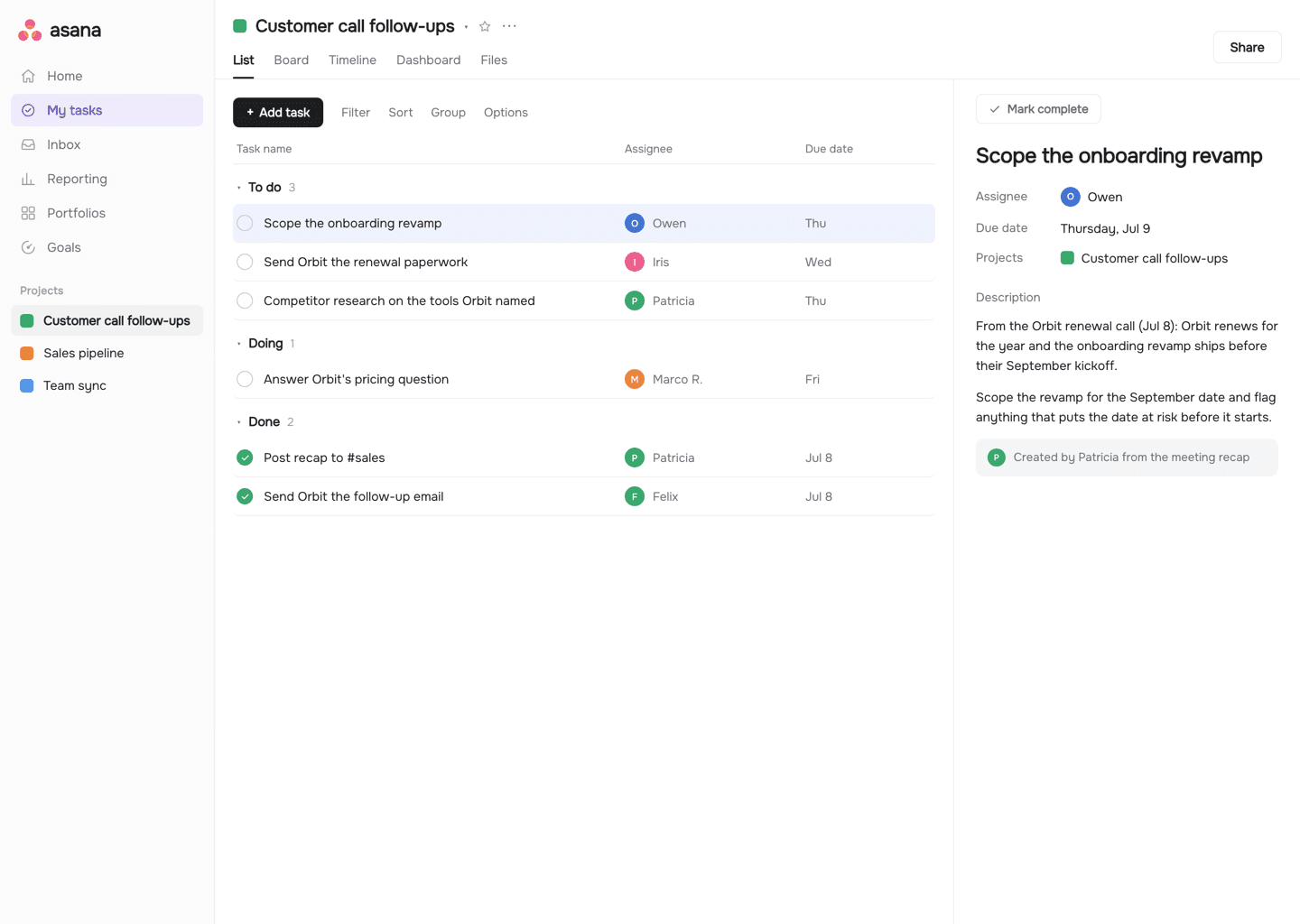
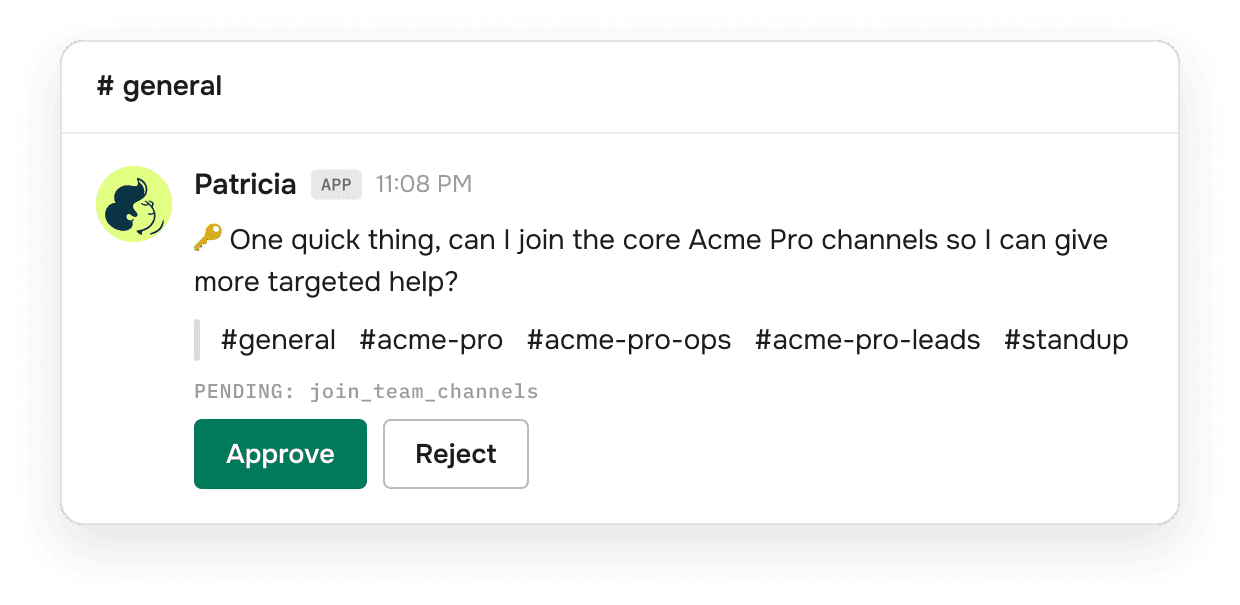
Patricia runs steps 2, 4 and 6 for you, and keeps the list for step 5. She is an AI coworker for small marketing agencies that works inside Slack and Microsoft Teams. She reads the channels she is added to and the calls she joins, keeps the open follow-ups in a shared memory of the agency's client work, and drafts the follow-up email. She asks before she sends anything to a client, by default.
- Calls: her notetaker joins the client calls you choose, from Google or Outlook calendars. Minutes after the call, the TLDR lands in the client channel with the full notes in the thread, and the action items go on your task list with owners, in Notion, Asana or wherever your team tracks work. In Teams, recaps land in the channel you pick. See meeting recaps and follow-ups.
- Post-meeting Follow-ups: a built-in Automation that posts where you set it up.
- Chat and email: her Daily Brief and the midday and end-of-day Email Sweeps read your chat and the mailboxes you connect, and flag what is waiting on you, including proposals that have not had a reply.
- The follow-up itself: she drafts the chaser, shows it to you in Slack and sends it on your yes.
- The question: ask "what do we still owe Acme?" in the channel and she answers from what she has seen.
Where it stops: she only knows what happens in the channels, mailboxes and calls she is connected to, and you choose which channels she can read. A promise made on a phone call she was not in still needs a row. The Daily Brief and Email Sweeps work per person, on the mailboxes each person connects. One default to know: the meeting recap email goes to everyone on the invite, which on a client call includes the client. You can narrow it to your team or switch it off.
Cost: on BetterPic's own account in October 2026, a weekly follow-up run used about 94 credits, about $0.21 (from our pricing article). The Founding plan is $45 a month per workspace, every seat included, with 20,000 credits included every month (pricing).
Do you need a project management tool for this?
No, but most agencies already have one, and it is a good home for step 1. Asana, ClickUp and Notion all hold the six fields. The gap is around the board: promises made in Slack threads, emails and calls that never become a task. That is the gap steps 2 to 4 close. We compare the two approaches in AI coworker vs project management tools.
FAQ
What is the best way to track client follow-ups in Slack?
Agree on one emoji for a client promise, and build a Workflow Builder workflow that starts when that emoji reaction is used and sends a message to a follow-ups channel. Copy each one into a shared list with a client, an owner and a due date. Use Remind me about this for your own items. Workflow Builder is on Slack's paid plans.
How do I get reminded to follow up on an email in Gmail?
Turn on Nudges in Gmail settings, under General: Suggest emails to reply to, and Suggest emails to follow up on. Gmail then moves sent emails that may need a follow-up to the top of your inbox. Add one label, such as Client follow-up, so the whole team uses the same filter.
How do I track follow-ups in Outlook?
Flag the message for follow-up and pick Custom to set a start date, a due date and a reminder. Flagged messages show in the To-Do Bar and in Tasks. Microsoft notes you cannot set start and due dates on an IMAP account.
Should an agency track client follow-ups in a CRM or a project tool?
Use the tool your team already opens every day. A project tool such as Asana, ClickUp or Notion fits delivery promises. A CRM fits sales and renewal follow-ups. What matters more is one list, an owner per row, a due date and a weekly review.
Can AI track client follow-ups automatically?
Partly. Patricia joins the client calls you choose, posts the recap in the client's Slack or Teams channel and files the action items with owners. Her Daily Brief and email sweeps flag what is waiting on you, and she drafts the follow-up email and sends it on your yes. She only sees the channels, mailboxes and calls she is connected to.
How often should account managers review open follow-ups?
A short daily sweep by each account manager, and one weekly review per client with the team. A simple rule for items waiting on the client: nudge after 3 working days with no answer. That rule is our suggestion, so adjust it to your clients.

Thibaut Hennau is the Growth Manager at Patricia. He runs Patricia's SEO, AI visibility and YouTube.