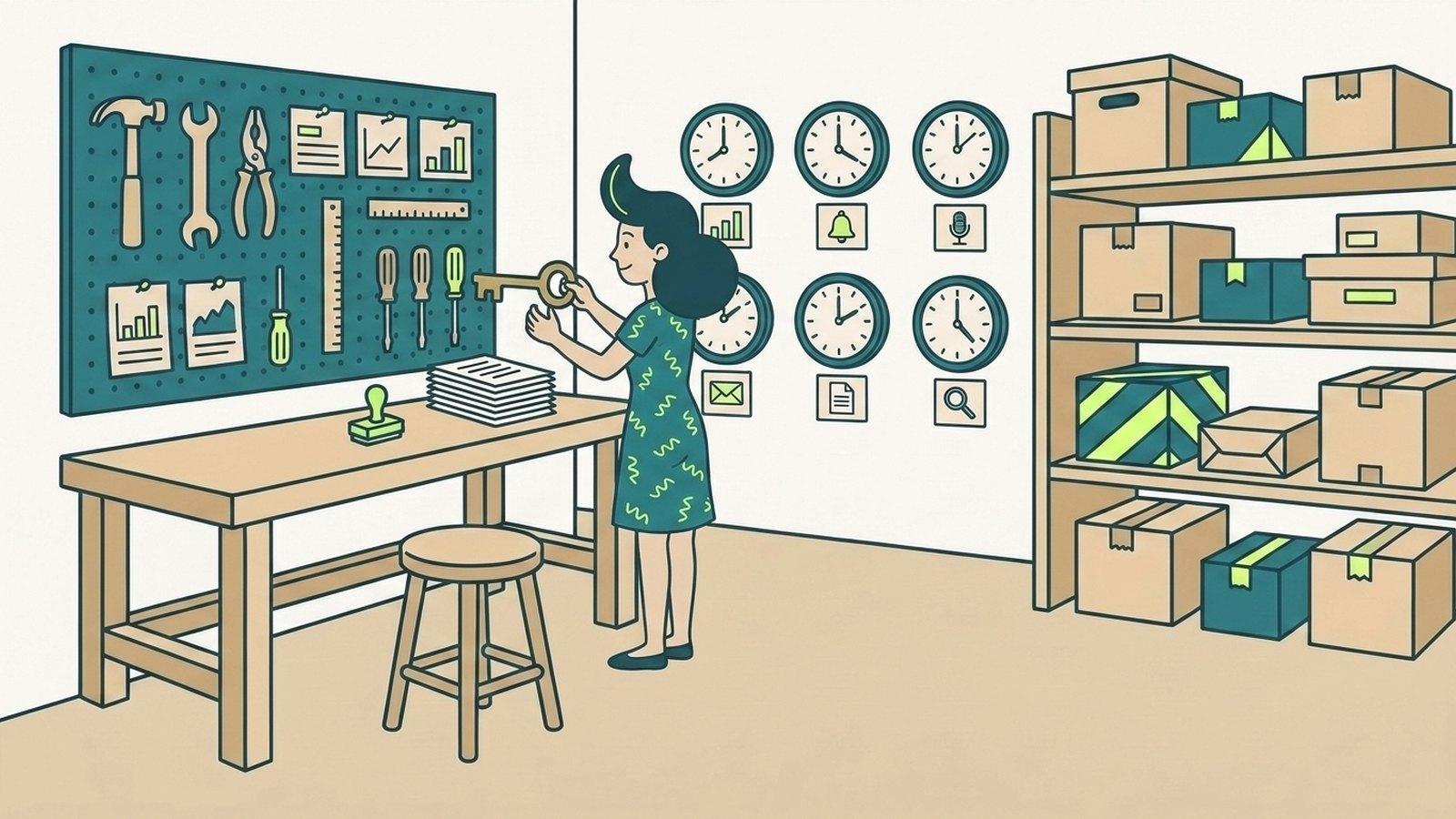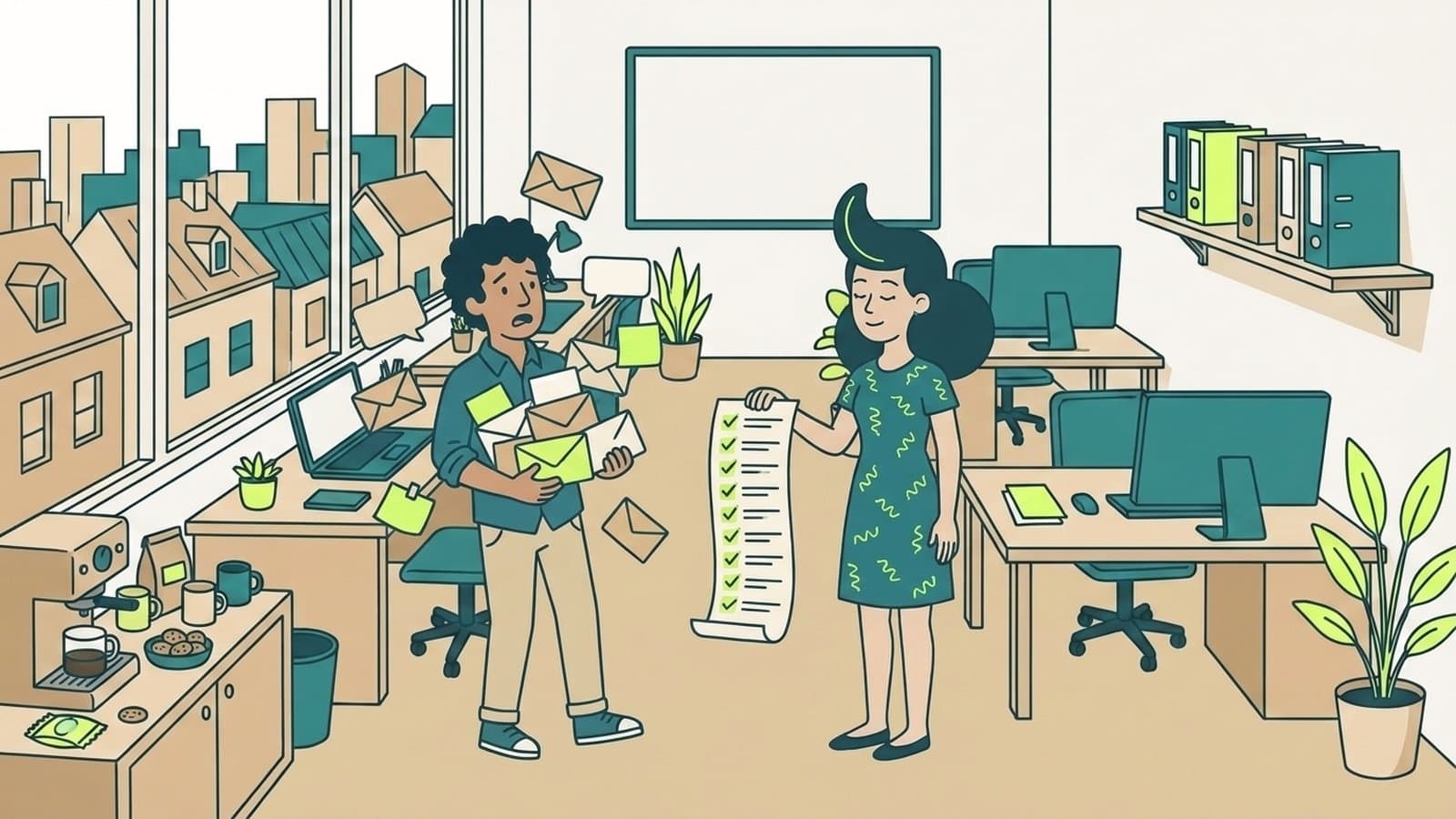
Every agency has one person who knows what the client approved on the last call. When that person is away, the team waits or guesses.
A company brain is a shared memory of how your business works: the client decisions, calls, files, processes and promises that usually sit in people's heads and private messages. Your team, and the AI tools you use, can ask it a question and get an answer with its source, instead of waiting for the one person who knows.
This guide explains the idea for a small agency: what goes in, how it differs from the tools you already have, who should see what, and how to build one. We make Patricia, an AI coworker that keeps this kind of memory, so she appears below as one way to do it, labelled as ours.
What goes into a company brain at an agency?
An agency's knowledge is mostly about clients. The questions your team asks every week show what to put in first:
- Client goals and approvals. What each client wants this quarter, and what they signed off.
- Decisions made on calls. The budget change agreed on Tuesday, the article topics confirmed by the 5th.
- Brand rules per account. Tone, banned words, logo use, who approves creative.
- How you work. SOPs, templates, the onboarding checklist, the report format each client expects.
- Who owns what. The account lead, the media buyer, the writer, and the person on the client side.
- Past work. Last month's report, the proposal you sent, what you learned from the last campaign.
Keep stable knowledge in documents. Read changing data, such as ad spend or a deal stage, from the tool itself through a connection, so the answer is current.
How is a company brain different from a wiki, a search tool or ChatGPT?
A company brain overlaps with tools you may already pay for. The difference is where the knowledge comes from and who can ask.
| Tool | What it holds | Where the knowledge comes from | Who asks it |
|---|---|---|---|
| Wiki (Notion, Confluence) | Pages people write | Someone takes the time to write it down | People who search for the page |
| Enterprise search (Glean) | An index of your apps | The apps you connect | Each person, in a search box |
| Personal AI chat (ChatGPT, Claude) | One person's chats and uploads | What that person pastes in | That one person |
| Company brain | A shared memory of the work | Calls, chat threads, files and connected tools | The whole team, and the AI agents that do the work |
Most agencies keep the wiki. The company brain reads it too, plus the calls and channels where decisions happen.
How does a company brain work in an agency?
Take a 10-person agency with a dozen clients, each with its own channel in Slack or Microsoft Teams. Here is how it works with Patricia, our AI coworker for small agencies:
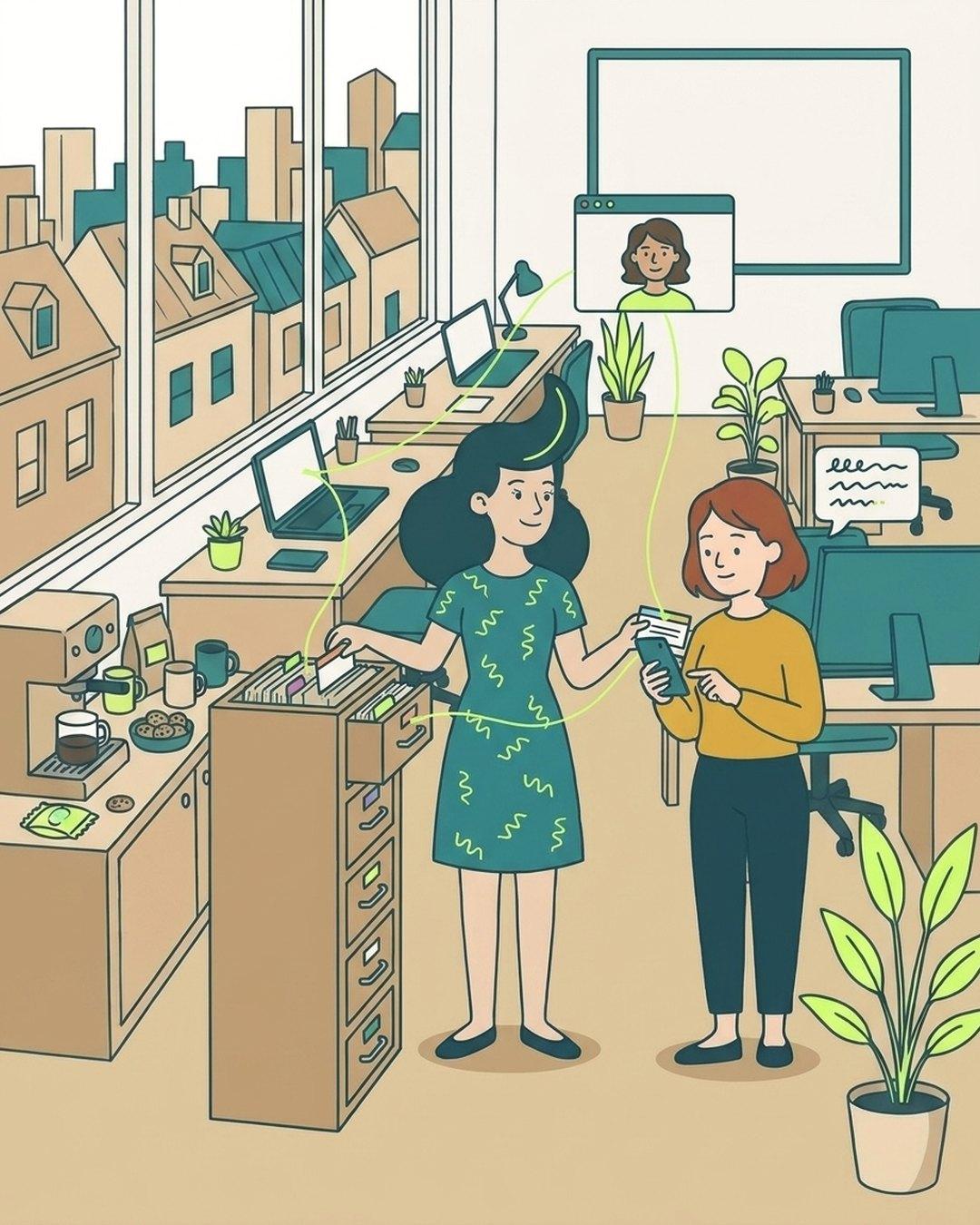
- It learns from the work. Patricia reads the channels she is added to, joins the client calls you choose from Google or Outlook calendars, and reads the files and tools you connect. She can also import call transcripts from Fireflies and the context you built in Claude or ChatGPT.
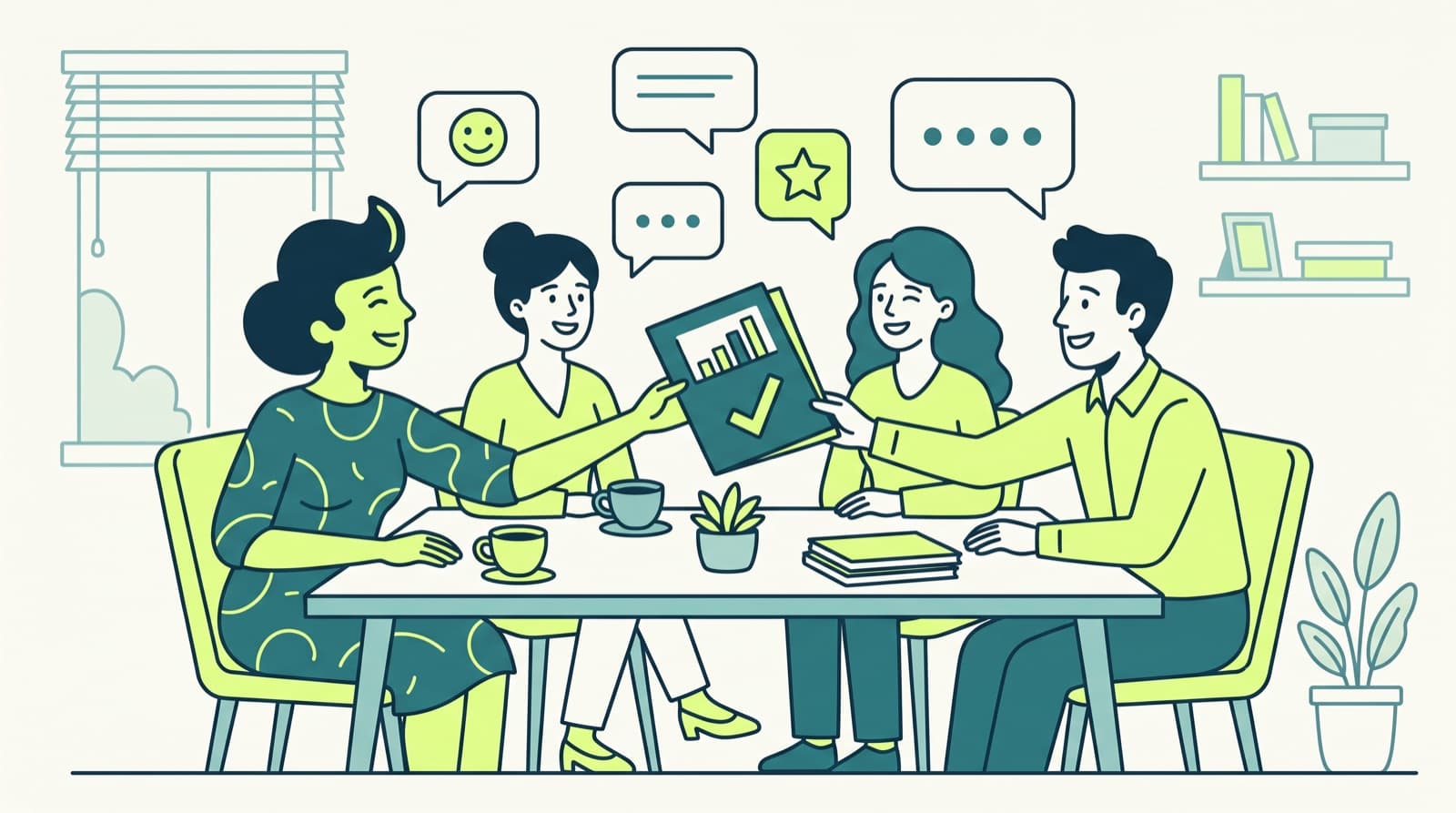
- Anyone asks in the channel. "What did we agree with this client on the Q4 content plan?" In a demo workspace, she answers in two lines and shows where it came from: the client call and the plan in Google Drive.
- The memory feeds the work. The same memory shapes the monthly report, the call recap and the follow-up email, so nobody explains a client's goals again every month. See six workflows a 10-person agency hands to AI agents.
- You correct it. Ask her what she knows about a client, and tell her to forget anything wrong or out of date. She asks you first.
She keeps a shared memory of the agency's client work. That is one memory for the team, organised around your clients. See how Patricia answers your team's client questions.
Who can see what in a company brain?
Ask this before you connect anything, because the answer differs by tool. In Patricia, as it works today:
- Company memory is shared. Client calls, client channels and team files feed one memory the team can ask.
- Personal memory is private. Your private chats with her stay with you.
- Tool connections are scoped per person. Each connection, such as a mailbox or an ad account, is kept personal to the person who made it, or shared with the team. You choose per connection.
- Off-limits topics stay out. Topics you mark off limits stay out of meeting notes.
- Per-client memory is coming soon. Client Spaces, with memory, integrations and skills for each client, are coming soon. Today, what is per client is the channel.
Check the same five points with any tool you consider. A company brain that every person can read in full is a risk once client data is inside it.

Examples: questions a company brain answers
These are the kinds of questions agency teams ask every day. The client names are made up.
| Question in the channel | Where the answer comes from |
|---|---|
| "What did Northwind approve for the Q4 content plan?" | The client call and the plan in the shared drive |
| "Which landing page did Acme ask us to stop sending traffic to?" | A message in the client channel |
| "What do we still owe Brightside this week?" | Action items from the last call and open follow-ups |
| "What tone does Orbit want on LinkedIn?" | The brand guide in the drive and feedback from past posts |
| "How do we onboard a new client?" | Your onboarding SOP |
The third question is the one that loses clients when nobody can answer it. Our guide on tracking client follow-ups across Slack and email covers it in detail.
Which tools build a company brain for a small agency?
There are four common ways to build one. Pick by where your team already works and who will maintain it.
- A wiki with AI search. A tool such as Notion or Confluence, kept up to date by the team. Good for SOPs and templates. It knows only what someone wrote down.
- Enterprise search. A tool such as Glean that indexes your apps. Good when knowledge is spread across many systems. Usually more than a small agency needs at first.
- An AI coworker in your chat tool. Patricia lives in Slack and Microsoft Teams, keeps the shared memory from calls, channels and connected tools, and does the recurring work with it. She costs $45 a month per workspace, every seat included, with 20,000 credits a month.
- Build your own. A shared drive, an automation tool such as n8n or Zapier, a model API and someone who maintains it. Most control, most upkeep.
Whatever you pick, check five things: answers show their source, access is set per person, the tool connects to your drive, chat and CRM, you can export your knowledge, and a person reviews changes before they become the official answer.
How to start a company brain in a week
- Day 1: pick one busy client. The one whose questions interrupt people most.
- Day 2: write down what is true today. One dated page with the client's goals, the services you run, the contacts and the report format.
- Day 3: connect the sources. The client channel, the drive folder and the next client call.
- Day 4: ask the five questions above. Compare each answer with what the account lead knows.
- Day 5: fix and decide. Correct what is wrong, decide who can see what, then add the next client.
If you want an AI coworker to do this with you, read what an AI coworker is first.
FAQ
What is a company brain?
A company brain is a shared memory of how your business works: the client decisions, calls, files, processes and promises that usually sit in people's heads and private messages. Your team, and the AI tools you use, can ask it a question and get an answer with its source, instead of waiting for the one person who knows.
What is the difference between a company brain and a wiki?
A wiki holds what someone took the time to write down. A company brain also reads where decisions actually happen, such as client calls, chat threads and connected tools, and answers questions from all of it with the source. Most agencies keep the wiki and let the company brain read it too.
What should a small agency put in a company brain?
Start with what people ask for most: each client's goals and approvals, decisions made on calls, the brand rules for each account, your SOPs and templates, who owns what, and past reports. Live numbers, such as ad spend or a deal stage, are better read from the tool itself through a connection than copied in.
Who can see what is in a company brain?
That depends on the tool, so check it before you connect anything. In Patricia, company memory is shared with the team and your private chats with her stay with you. Each tool connection is either kept personal to the person who made it or shared with the team. Per-client memory arrives with Client Spaces, which are coming soon.
Can an AI coworker be a company brain?
Yes, when it keeps a memory of your work and answers from it. Patricia, our AI coworker for small agencies, keeps a shared memory of the agency's client work in Slack or Microsoft Teams, from the calls she joins, the channels she is added to and the tools you connect, and answers with the source. She costs $45 a month per workspace, every seat included.
How long does it take to build a company brain?
A useful first version takes about a week if you start small: one busy client, the calls and channels for that client, and the documents people ask about most. Add clients one at a time once the answers are right.

Thibaut Hennau is the Growth Manager at Patricia. He runs Patricia's SEO, AI visibility and YouTube.