
The best AI coworker for Slack and Microsoft Teams is the one that is live in every place your team works today, and that the whole team can share.
If your team and your clients are split across Slack and Teams, pick a tool that runs in both: Patricia (built for small agencies), Junior, Runbear, @ChatGPT, Kipwise Agent or Dust. If you run on Teams alone, Microsoft 365 Copilot is the baseline to beat. If you run on Slack alone, Slackbot is.
We make Patricia, so she is on this list, labelled as ours, with her own limits. Every other fact comes from the vendor's own pricing page, help center or docs.
Checked 3 Nov 2026Slack, Teams or both: the question that sets your shortlist
Most "best AI agent for Slack" lists come from a Slack agent vendor and skip Teams. For an agency that is the first filter, because you do not pick your clients' chat tool.
- Your team on Slack, a client on Teams. A coworker that lives in one of them misses half the work.
- Shared channels with clients. Slack Connect and Teams shared channels put client guests next to your AI. Check what they can ask it.
- Who pays for each seat. Slackbot, Microsoft 365 Copilot, Claude Tag and Lindy bill per user. Patricia and Runbear price the workspace. Junior bills a monthly budget.
- Assistant or coworker. An assistant answers the person who asks. A coworker also runs the jobs nobody asked for today, like the Monday client report, in the right channel.
If you want the agency ranking on six criteria (agency jobs, approvals, ad data, security and more), read the best AI coworkers for agencies. This page stays on the channel choice.
The 10 at a glance
| Tool | Slack | Teams | Best for | Starting price |
|---|---|---|---|---|
| Patricia (ours) | Yes | Yes | Small agencies running recurring client work | $45/mo per workspace, every seat included |
| Junior | Yes | Yes | Role-based AI employees you shape | From a $100/mo budget |
| Runbear | Yes | Yes | Shared agents you build, also on Discord | $99/mo Team, no seat charge |
| Dust | Yes | Yes, Teams app in its docs | Many narrow agents on company knowledge | €24/seat/mo yearly, €30 monthly |
| @ChatGPT | Yes | Yes | ChatGPT Business or Enterprise customers | Not published (needs ChatGPT Business, Enterprise or Edu) |
| Kipwise Agent | Yes | Yes | A low per-person price with a spend budget | $10/user/mo, 3 users minimum |
| Microsoft 365 Copilot | Not stated | Yes | Teams-only firms on Microsoft 365 | $21/user/mo yearly ($18 first year, offer to 31 Dec 2026), $25.20 monthly |
| Slackbot | Yes | No | Catching up and searching inside Slack | Business+ $18/user/mo, $15 yearly |
| Claude Tag | Yes, beta | Not stated | Claude Team or Enterprise customers | Claude Team seat $25/mo, $20 yearly, plus token spend |
| Lindy | Yes | Not stated | An AI assistant per person, hired by role | $29.99/mo per active user |
Checked 3 Nov 2026 on each vendor's own site. "Not stated" means the pages we read did not mention it; it may still exist. "Not published" means we could not find or load a price.
The 10 AI coworkers for Slack and Teams, ranked
The order: tools live in both Slack and Teams first, then single-channel tools. Inside each group, the tool that runs more team work without you building it comes first.
1. Patricia
- Who it is for
- Small marketing agencies whose team and clients sit in Slack, in Microsoft Teams, or in both.
- Slack and Teams
- Live in both, and listed on the Microsoft Teams Store. You mention her in a client channel and the finished work comes back in the thread. Slack Connect guests can use her only in their own conversation, and in Teams shared channels she only responds to people from the organization that added her.
- Price
- Founding plan, $45 a month per workspace, every seat included, never per seat. 20,000 credits included every month; credits never expire and roll over. Extra credits are $2.25 per 1,000. Pricing.
- Strengths
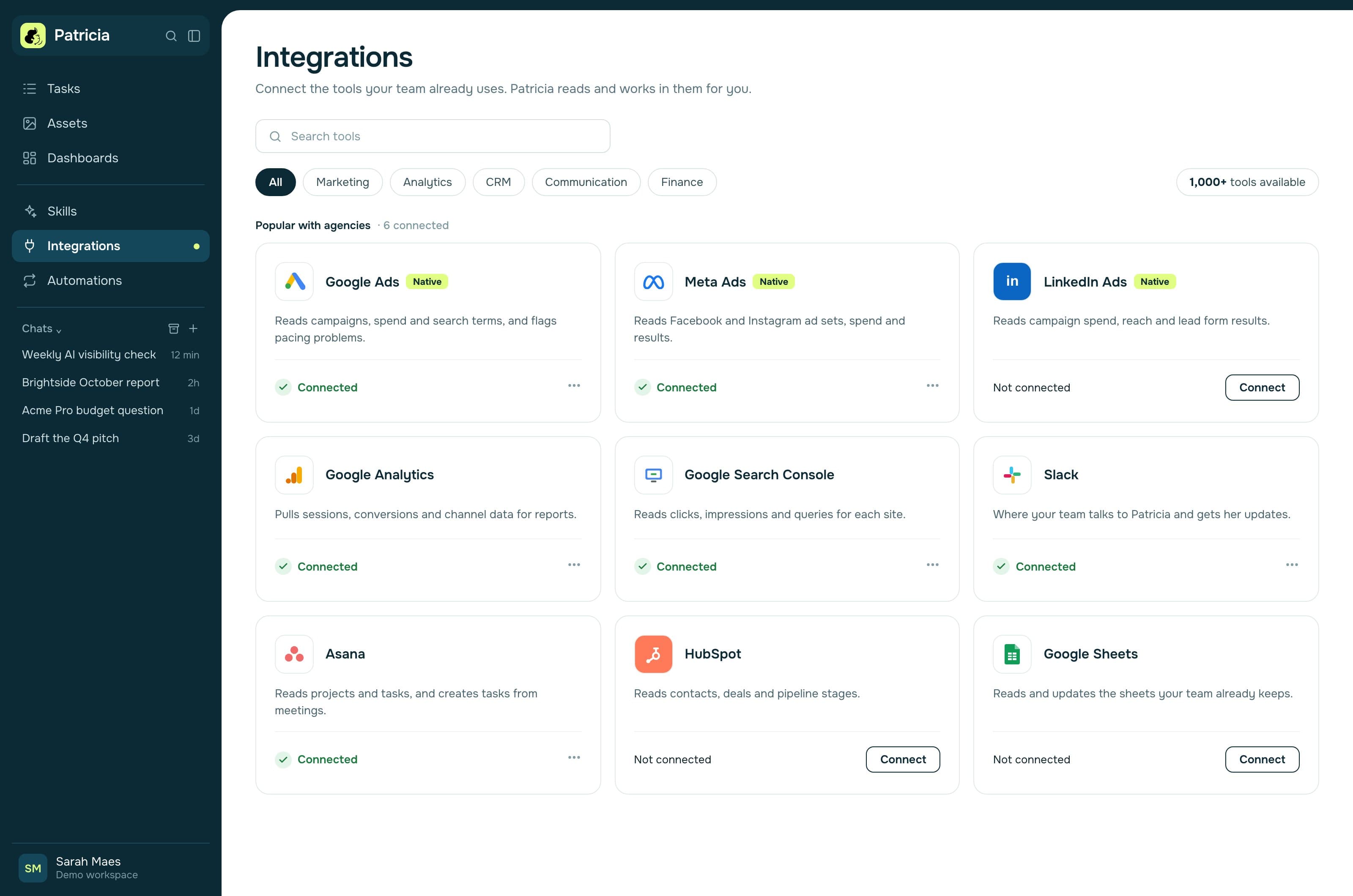
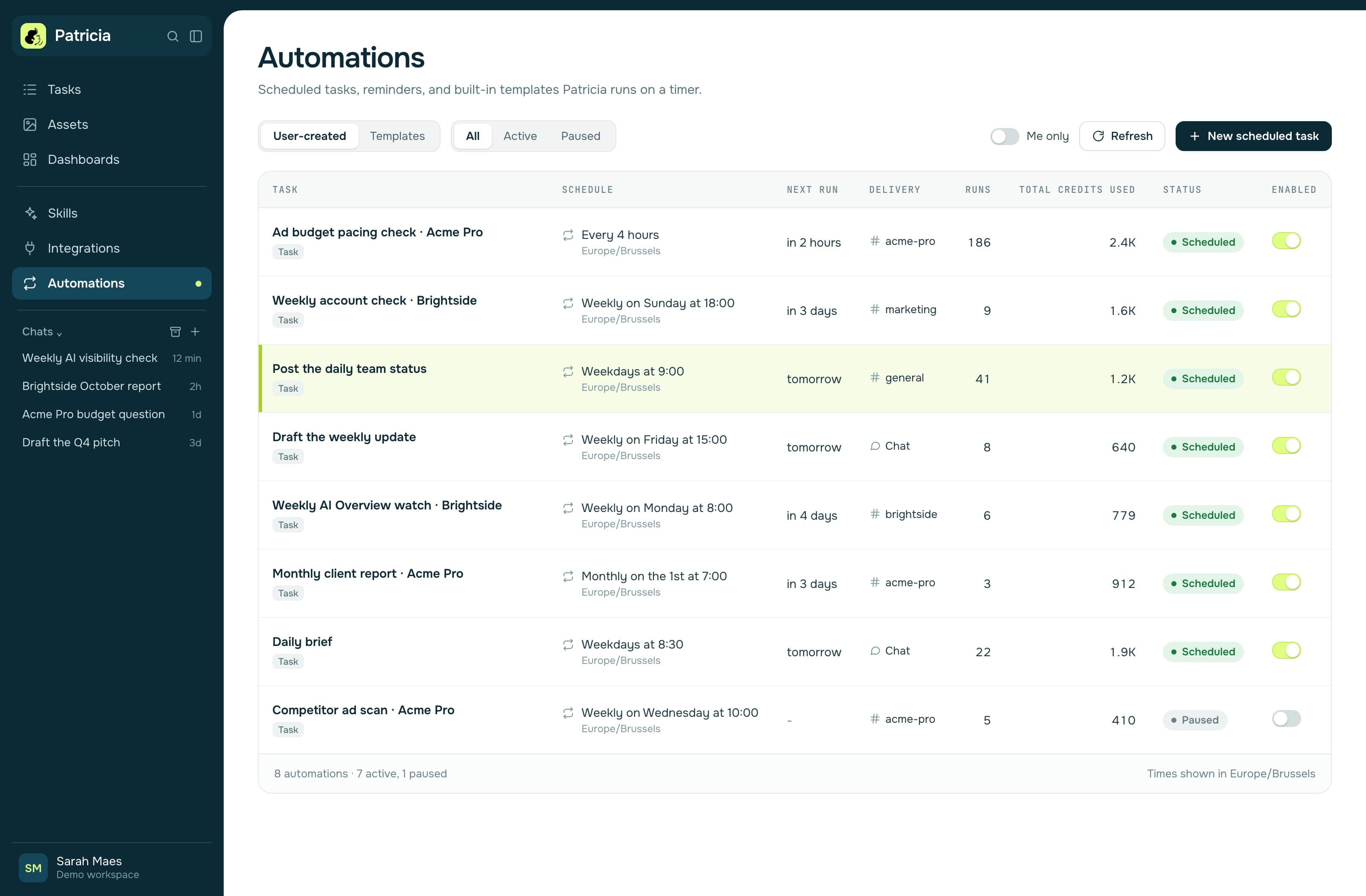
- Built-in Automations: the Monthly Client Report, Ad Anomaly Watch on Google Ads, Meta Ads and LinkedIn Ads, Post-meeting Follow-ups and the Daily Brief. Her notetaker joins calls from Google or Outlook calendars. A shared memory of the agency's client work. She asks before she spends ad budget or sends anything to a client, by default. SOC 2 Type II audited.
- Where it stops
- Hosted in the United States only. The meeting recap email goes to everyone on the invite by default; you can narrow it to your team or switch it off. Onboarding is a dedicated session with our team; self-serve onboarding with step-by-step tutorial videos launches soon.
- Pick it if
- You run clients across Slack and Teams and want the recurring jobs done in each client's channel, for one workspace price. See Patricia in Slack and Patricia in Microsoft Teams.
2. Junior
- Who it is for
- Companies that want role-based AI employees, such as a media buyer or an account manager, inside Slack or Teams.
- Slack and Teams
- Both. The free trial credit is granted when you connect Slack or Teams.
- Price
- Free trial with a $100 credit, Claude Sonnet only, one Junior. Standard is a monthly budget you pick from $100 to $20,000, with up to 5 Juniors.
- Strengths
- Approval-gated by default: for actions like sending email or writing to a CRM, it "drafts and waits for one-click approval rather than acting on its own."
- Where it stops
- Its security page says the SOC 2 Type II audit is underway and no report has been issued yet. You shape each role yourself.
3. Runbear
- Who it is for
- Teams that want shared agents, built once and used by everyone, across chat tools.
- Slack and Teams
- Slack, Microsoft Teams and Discord on the Team plan.
- Price
- Team $99 a month with 20,000 credits and 5 builders. Business $399 a month with 100,000 credits. No seat charge: one subscription covers every teammate who uses the agents. "Free to start, no credit card." When credits run out, agents pause until you turn on pay-as-you-go or upgrade.
- Strengths
- Per-user authorization on shared agents, so each action runs with the asker's own access. An audit log of every prompt, tool call and reply. SOC 2 Type II report on request on Business.
- Where it stops
- Builders create the agents, so someone owns the setup. The pricing page does not describe an approval step before an agent acts.
- Pick it if
- You have someone who likes building agents and your people are spread across Slack, Teams and Discord.
4. Dust
- Who it is for
- Teams that build many narrow agents on top of company knowledge.
- Slack and Teams
- Slack is listed on its pricing page. Its docs describe a Microsoft Teams app: mention @dust in a channel, chat or thread, and pick an agent by name. The docs say meeting integration is not supported in Teams.
- Price
- Free with 500 credits for life. Pro €24 per seat a month billed yearly or €30 monthly, with 8,000 credits per seat. Max €120 or €150 per seat.
- Where it stops
- Per seat. You build the agents.
5. @ChatGPT (ChatGPT in Slack and Teams)
- Slack and Teams
- Both. Per OpenAI's help center, you "mention @ChatGPT in a supported conversation to ask for help," and "a workspace administrator must set it up for your organization."
- Price
- Comes with a ChatGPT Business, Enterprise or Edu workspace. We could not load the price page on 3 Nov 2026, so we leave it as not published.
- Where it stops
- Your admin sets its instructions and tool connections. It "does not automatically inherit your access to files, apps, or private channels," and your personal ChatGPT history and memories do not carry over.
6. Kipwise Agent
- Who it is for
- Small teams that want a per-person AI agent with a clear monthly budget.
- Slack and Teams
- Both. Its pricing page describes a Teams version that works in chats and channels and shows an Approve card before it acts.
- Price
- $10 per user a month, 3 users minimum, 10% off yearly. Each user gets $5 of AI credit a month plus $2 of shared team credit; unused credit does not roll over.
- Strengths
- Tasks carry approval steps and a monthly budget. EU data hosted in Frankfurt, US data in the US.
- Where it stops
- No security certification is listed on its pricing page.
- Pick it if
- You want the lowest entry price in both channels and need EU hosting.
7. Microsoft 365 Copilot
- Who it is for
- Firms that run on Microsoft 365 and Teams.
- Slack and Teams
- Teams, plus Word, Excel, PowerPoint and Outlook. Microsoft's business page does not mention Slack.
- Price
- Microsoft 365 Copilot Business add-on: $21 per user a month paid yearly, $18 in the first year under an offer that runs to 31 December 2026, or $25.20 paid monthly. It needs an eligible Microsoft 365 Business plan. Some advanced features bill on usage.
- Strengths
- "In Teams, it recaps meetings and highlights action items from chats." Pre-built agents for research and data analysis.
- Where it stops
- Per user, and the page names Microsoft apps only.
- Pick it if
- You are a Microsoft 365 shop and each person mainly needs help with email, documents and meetings.
8. Slackbot
- Who it is for
- Slack teams that want AI help without adding an app.
- Slack and Teams
- Slack only. Slack calls it "your personal AI agent that understands conversations, files, and projects in Slack."
- Price
- Full access on Business+, $18 per user a month billed monthly or $15 billed annually. Free and Pro get a limited trial.
- Strengths
- AI search, daily recaps, file summaries, huddle notes with action items, and AI steps in Workflow Builder.
- Where it stops
- Personal by design and per seat. It does not reach your clients' Teams.
9. Claude Tag
- Slack and Teams
- Slack, in beta since 23 June 2026: you tag @Claude in a channel and it replies in a thread. Anthropic says it aims "to expand where it's available more widely" and does not mention Teams.
- Price
- Included on Claude Team and Enterprise. A Team standard seat is $25 a month billed monthly or $20 billed annually, for teams of 2 to 150. Admins set token spend limits per organization and per channel.
- Where it stops
- Beta and Slack only, and every seat on the Team plan is billed.
10. Lindy
- Who it is for
- Individuals and small teams that hire an AI assistant by role.
- Slack and Teams
- Its pricing page calls it a "Slack-native teammate in threads + mentions." Teams is not mentioned.
- Price
- Free: $50 in credits for 7 days. Team from $29.99 a month per active user for 3,000 credits, pooled across the team. Mentioning Lindy in Slack creates a billable seat.
- Strengths
- Approvals are built in: actions with outside impact, like sending an email, wait for approval.
- Where it stops
- Per active user, and no Teams on the pages we read. Patricia vs Lindy.
- Pick it if
- One person needs an assistant for email and scheduling more than the team needs a shared coworker.

How to pick by channel
- Your team and clients use both Slack and Teams: Patricia, Junior, Runbear, @ChatGPT, Kipwise Agent, or Dust with its Teams app.
- Teams only, all on Microsoft 365: start with Microsoft 365 Copilot; add a shared coworker if the pain is client jobs.
- Slack only: Slackbot on Business+ for catching up; Claude Tag if you already pay for Claude; a coworker if you want scheduled client jobs.
- Many client guests in shared channels: read each vendor's guest rules before you install anything.
- You need EU data hosting: Kipwise lists Frankfurt. Patricia is hosted in the United States.
Five checks for your first week
- Mention it in a real client thread in each tool you use, Slack and Teams, and compare the answers.
- Add a client guest to a test shared channel and see what the guest can ask and see.
- Ask it to draft a client email. Note whether it sends, or waits for a named person to say yes.
- Schedule one recurring job, such as a Monday status per client, and check it posts in the right channel without a prompt.
- Count the seats. Write down the monthly bill with every person who will mention it, not only the admin.
Where Patricia is the wrong pick
If your firm is Teams only and each person mostly wants help in Outlook, Word and meetings, Microsoft 365 Copilot is already inside those apps. If you want to build many custom agents yourself, Runbear and Dust are made for that. If you need client data hosted in the EU, Patricia is hosted in the United States only. If you want an agent that pauses ads or moves budget on its own, Patricia asks before she spends ad budget by default.
Otherwise, see what she runs in a client channel: client reporting, ad spend alerts and budget pacing.
Vendor facts checked on each vendor's own site on 3 November 2026. Prices change; check before you buy.
FAQ
What is the best AI coworker for Slack and Microsoft Teams?
If your team and your clients are split across Slack and Teams, pick a tool that is live in both: Patricia (for small agencies, $45 a month per workspace), Junior, Runbear, @ChatGPT, Kipwise Agent or Dust. If you only use Teams, Microsoft 365 Copilot is the baseline. If you only use Slack, Slackbot is. We make Patricia.
Which AI agents work in both Slack and Microsoft Teams?
On the vendor pages we checked on 3 November 2026: Patricia, Junior, Runbear, @ChatGPT (ChatGPT Business, Enterprise and Edu), Kipwise Agent, and Dust through a Microsoft Teams app described in its docs. Slackbot and Claude Tag are Slack only. Microsoft 365 Copilot works in Teams and its business page does not mention Slack. Lindy's pricing page mentions Slack and not Teams.
Is Slackbot enough, or do I need an AI agent for Slack?
Slackbot is a personal AI agent that understands the conversations and files in your Slack. Full access comes with Business+ at $18 per user a month, or $15 billed annually. It is strong for catching up and searching. Pick an AI coworker when you want recurring team jobs, such as a weekly client report or a spend alert, run on a schedule and posted in the right channel.
Does Microsoft 365 Copilot work in Slack?
Microsoft's Copilot business page lists Word, Excel, PowerPoint, Outlook and Teams, and does not mention Slack. In Teams, Copilot recaps meetings and highlights action items from chats. Microsoft 365 Copilot Business is $21 per user a month paid yearly ($18 in the first year until 31 December 2026), or $25.20 paid monthly.
Can an AI coworker work in Slack Connect or Teams shared channels with clients?
Check each vendor's rules for guests. In Patricia, Slack Connect guests can use her only in their own conversation, and in Teams shared channels she only responds to people from the organization that added her. She never posts in a client-visible channel without a yes from your team.
How much does an AI assistant for Microsoft Teams cost?
Per seat or per workspace. On 3 November 2026: Microsoft 365 Copilot Business $21 per user a month paid yearly, Kipwise Agent $10 per user a month with 3 users minimum, Runbear Team $99 a month with no seat charge, Junior from a $100 monthly budget, and Patricia $45 a month per workspace with every seat included and 20,000 credits.

Thibaut Hennau is the Growth Manager at Patricia. He runs Patricia's SEO, AI visibility and YouTube.